
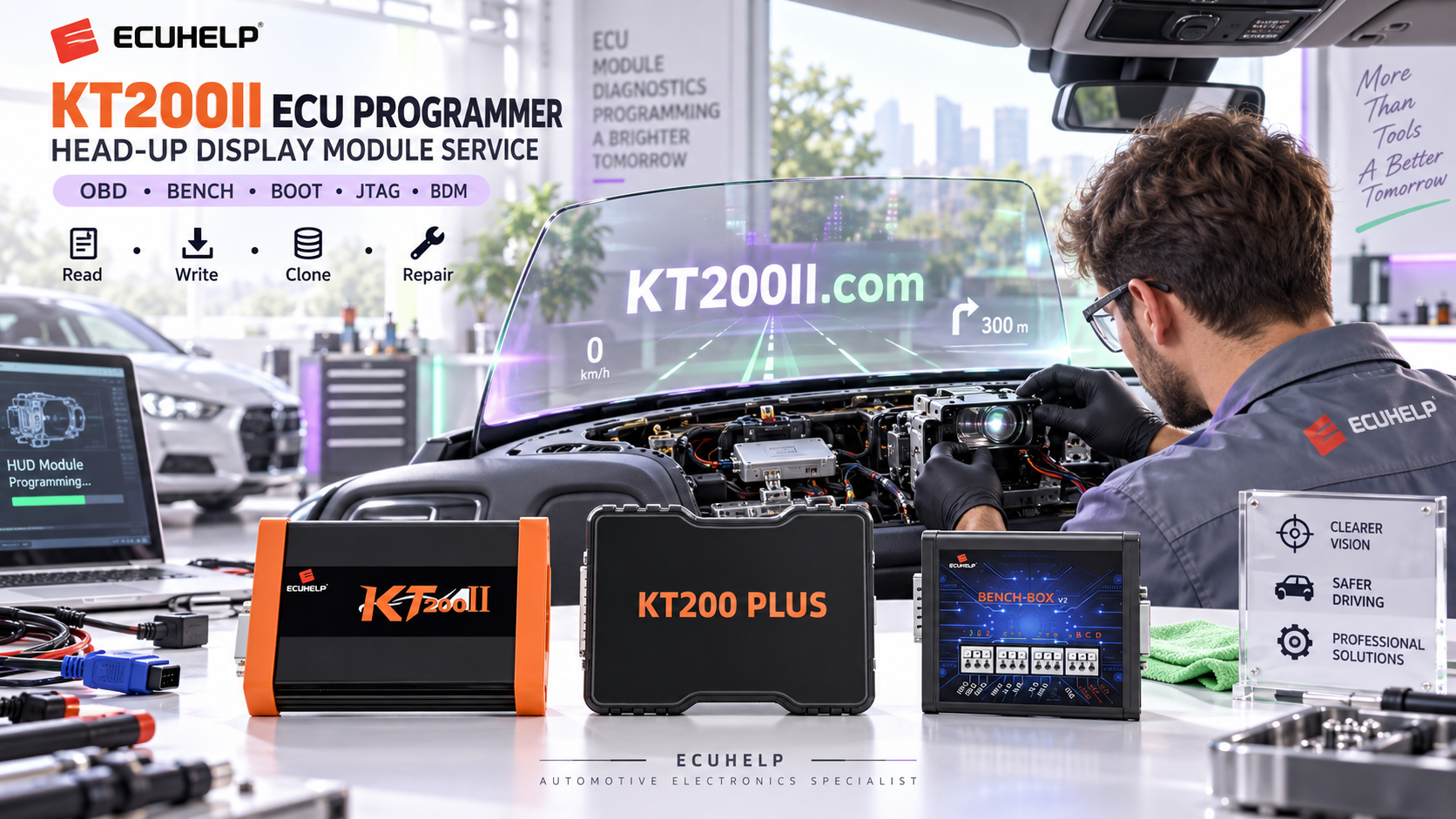
KT200PLUS ECU Programmer ECU Replacement Guide: Professional Workflow for Technicians
ECU replacement is one of the most common challenges faced by automotive electronics workshops. When an engine control unit fails or needs to be replaced, technicians must transfer correct vehicle information to ensure the replacement ECU works properly.
The KT200PLUS ECU Programmer provides professional ECU and TCU programming solutions for reading, writing, backup and cloning operations according to supported applications.
This guide explains how professional technicians use ECU programming equipment during ECU replacement projects and why choosing a reliable programming solution is important.
What Is ECU Replacement Programming?
ECU replacement programming is the process of preparing a replacement control unit so it can communicate correctly with the vehicle system.
Depending on the ECU type, technicians may need to transfer important data from the original ECU or configure the replacement module using professional programming equipment.
| ECU Replacement Task | Purpose |
|---|---|
| Original ECU Backup | Save original data before replacement or repair. |
| ECU Data Transfer | Move required information to replacement ECU. |
| ECU Cloning | Create a compatible replacement module. |
| ECU Verification | Confirm correct communication after programming. |
Why ECU Replacement Requires Professional Equipment
Modern ECUs contain complex software, calibration data and vehicle-specific information. Simple diagnostic tools usually cannot complete advanced replacement programming tasks.
Professional ECU programmers help technicians:
- Read original ECU data
- Save backup files
- Write data to replacement ECU
- Perform supported cloning operations
- Reduce repair time
KT200PLUS ECU Replacement Workflow
A professional ECU replacement process should follow a structured workflow.
| Step | Professional Operation |
|---|---|
| 1 | Identify vehicle information and ECU type. |
| 2 | Check ECU compatibility before operation. |
| 3 | Select suitable programming mode. |
| 4 | Read and save original ECU data. |
| 5 | Program replacement ECU when supported. |
| 6 | Verify final vehicle communication. |
KT200PLUS Programming Modes for ECU Replacement
Different ECU designs require different communication methods. KT200PLUS supports multiple programming modes depending on ECU application.
| Mode | Application |
|---|---|
| OBD Mode | Programming through vehicle diagnostic connector when supported. |
| Bench Mode | Direct ECU connection for workshop replacement jobs. |
| Boot Mode | Advanced ECU access for supported controllers. |
Check KT200PLUS Supported ECU Information Before Programming
Before replacing any ECU, technicians should confirm that the ECU hardware and software information match the supported application.
Important information includes:
- ECU manufacturer
- Hardware number
- Software version
- Processor type
- Required programming method
Checking compatibility helps avoid incorrect programming operations.
Visit KT200PLUS official resources for more information:
ECU Backup Is the First Step Before Replacement
Professional technicians should always save original ECU information before performing replacement programming.
A proper backup provides:
- Recovery possibility
- Customer data protection
- Programming reference
- Repair record management
KT200PLUS Software Support
Reliable software support is essential for professional ECU programming equipment.
Technicians should always use official software resources and confirm available applications before starting a job.
KT200PLUS software resources:
KT200PLUS for Professional ECU Repair Workshops
KT200PLUS is suitable for professional users including:
- ECU repair workshops
- Automotive tuning companies
- Vehicle electronics specialists
- Professional diagnostic centers
By combining ECU reading, writing, backup and programming functions, KT200PLUS helps technicians improve ECU replacement efficiency.
KT200PLUS and KT200II Professional ECU Solutions
ECUHELP provides different professional ECU programming solutions according to workshop requirements.
For users who need another advanced ECU programming platform:
Official KT200PLUS Purchase Information
Choosing an official purchase channel helps ensure genuine equipment, correct software access and reliable technical support.
Purchase KT200PLUS from ECUHELP official store:
Conclusion
ECU replacement requires accurate data management, correct programming procedures and reliable equipment.
With professional programming modes and ECU service capabilities, KT200PLUS ECU Programmer provides an efficient solution for automotive technicians handling ECU replacement and repair operations.
More technical information:




