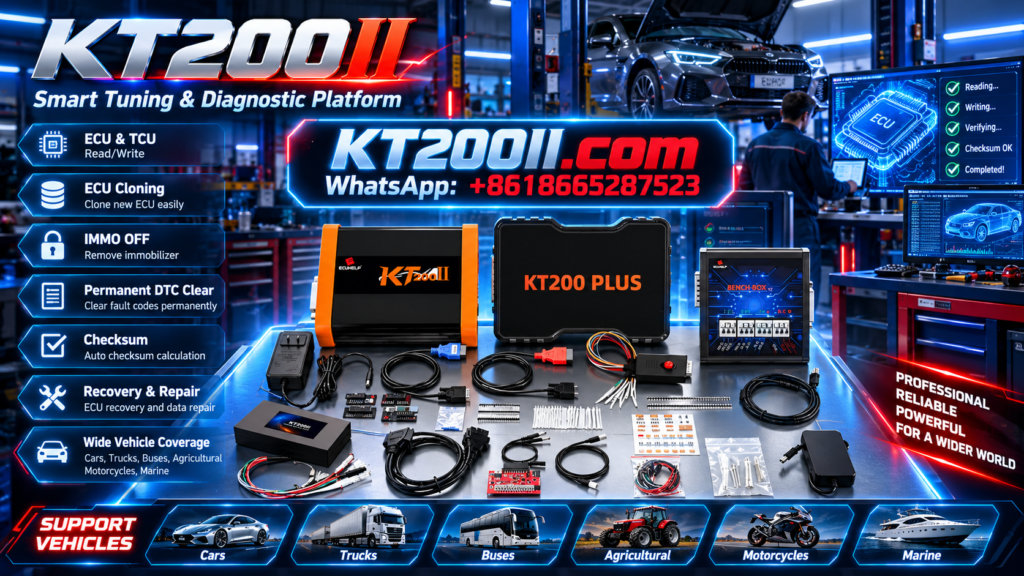
KT200PLUS ECU Programmer for ECU Replacement: Professional Repair Workflow Guide
Modern vehicles rely on electronic control units (ECUs) to manage engine, transmission and other vehicle systems. When an ECU fails, replacement is often required, but installing another control unit usually requires professional programming to match vehicle data.
The KT200PLUS ECU Programmer provides professional ECU and TCU programming solutions for supported applications, helping technicians perform ECU reading, writing and replacement-related operations.
Why ECU Replacement Requires Professional Programming
Replacing an ECU is not simply a mechanical installation process. The replacement module may require data transfer, configuration matching or programming before the vehicle can operate correctly.
| ECU Replacement Challenge | Professional Solution |
|---|---|
| Original ECU damaged | Backup and transfer supported ECU data. |
| Used ECU installation | Perform supported programming operations. |
| Different ECU versions | Verify compatibility before operation. |
KT200PLUS ECU Replacement Workflow
Professional technicians normally follow a structured process before programming a replacement ECU.
| Step | Operation |
|---|---|
| 1 | Identify vehicle and ECU information. |
| 2 | Confirm supported ECU application. |
| 3 | Read and save original ECU data. |
| 4 | Program replacement ECU when supported. |
| 5 | Verify vehicle operation after programming. |
KT200PLUS Supports Flexible Programming Methods
Different ECU architectures require different communication methods. KT200PLUS supports multiple programming approaches according to supported applications.
| Mode | Application |
|---|---|
| OBD Mode | Programming through vehicle diagnostic connection. |
| Bench Mode | Direct ECU connection for workshop operations. |
| Boot Mode | Advanced ECU access for supported controllers. |
Importance of ECU Backup Before Replacement
Before replacing or modifying an ECU, creating a backup is an important professional practice.
ECU backup helps technicians:
- Protect original vehicle information
- Restore data if needed
- Compare ECU files
- Maintain repair records
Check KT200PLUS Compatibility Before Programming
Not every ECU can be programmed in the same way. Different manufacturers, hardware versions and processors require different solutions.
| Information | Reason |
|---|---|
| ECU Manufacturer | Determine communication method. |
| Hardware Number | Confirm ECU version. |
| Software Version | Avoid incorrect file operations. |
KT200PLUS Software Support
Professional ECU programming requires stable software resources. Using official software helps technicians maintain reliable operation.
Official software resources:
KT200PLUS for Professional ECU Repair Workshops
KT200PLUS is suitable for:
- ECU repair specialists
- Automotive tuning workshops
- Vehicle electronics technicians
- Professional diagnostic centers
| Workshop Requirement | KT200PLUS Benefit |
|---|---|
| ECU replacement service | Professional programming workflow. |
| ECU repair business | Expand electronic repair capability. |
| Multiple vehicle applications | Flexible programming solutions. |
Official Purchase Information
Choosing an official purchase channel helps ensure genuine equipment, correct software access and professional support.
Purchase KT200PLUS:
KT200PLUS and KT200II Professional Solutions
ECUHELP provides professional ECU programming solutions for different workshop requirements.
Learn more about KT200II:
Conclusion
ECU replacement requires accurate data management, compatibility checking and professional programming equipment.
With flexible programming modes and professional workflow support, KT200PLUS helps automotive technicians handle modern ECU replacement and repair challenges more efficiently.
More technical articles: KT200PLUS Official Blog