KT200 Plus Bosch MED17.5 Programming Guide: OBD, Bench, Boot and Recovery
Bosch MED17.5 is a gasoline engine control unit family encountered in professional ECU programming, tuning and electronic repair. This guide explains how to prepare a supported KT200 Plus MED17.5 operation, identify the exact controller, choose the correct programming mode, protect the original data and verify the ECU after writing.
The designation MED17.5 does not identify every technical detail of an ECU. Bosch MED17.5 derivatives can use different processors, memory configurations, hardware revisions, software versions and vehicle applications. Always confirm the physical controller and the exact KT200 Plus protocol before connecting or writing.
What Is Bosch MED17.5?
MED17.5 belongs to the Bosch MED17 engine-control generation. The controller manages gasoline-engine functions through software and calibration data stored in one or more memory areas.
Technicians may encounter the main MED17.5 designation together with derivatives such as MED17.5.1, MED17.5.2, MED17.5.5, MED17.5.20, MED17.5.21, MED17.5.22, MED17.5.25 and MED17.5.26. These names should not be treated as interchangeable.
The official KT200 Plus database includes compatible MED17-family protocol records. For example, the current database identifies a Bosch MED17.5 entry associated with the TC1766 processor. Other MED17.5 derivatives may be associated with different processor or hardware information.
| Identification item | Why it must be checked |
|---|---|
| Complete ECU designation | MED17.5 and its derivative variants can require different protocols. |
| Bosch part number | Helps identify the physical controller and hardware generation. |
| OEM part number | Connects the ECU to its original vehicle application. |
| Hardware number | Important when comparing an original ECU with a donor unit. |
| Software number | Helps confirm that an original or modified file matches the ECU. |
| Processor or MCU | Determines the available communication and memory-access procedure. |
| Required operation | Calibration writing, full backup, cloning and recovery require different data. |
Check MED17.5 Support Before Programming
Begin with the official KT200 Plus supported vehicles and protocol database. Search the complete controller designation whenever possible.
Recommended search sequence
- Search for the complete MED17.5 derivative.
- Compare the Bosch controller family.
- Check the processor or MCU shown in the result.
- Compare the vehicle or engine application where listed.
- Check the available Read and Write operations.
- Confirm whether OBD, Bench or Boot is specified.
- Open the diagram belonging to that exact protocol.
If an exact search returns no result, shorten the term gradually. For example, search MED17.5 before searching only MED17. However, do not select a general MED17 protocol merely because the exact suffix is missing.
KT200 Plus MED17.5: OBD, Bench or Boot?
The safest mode is the least invasive supported method that provides the data required for the job. The correct choice comes from the controller-specific KT200 Plus protocol, not from a universal MED17.5 rule.
| Mode | Connection | Typical advantage | Main verification |
|---|---|---|---|
| OBD | Vehicle diagnostic connector | The ECU can remain installed when the required function is supported. | Confirm Identification, Virtual Read, physical Read and Write availability separately. |
| Bench | Direct connection through the external ECU connector | Controlled workshop access without automatically opening the ECU. | Verify power, ground, ignition and communication pins. |
| Boot | Direct connection with board-level access where required | Deeper processor and memory access for supported operations. | Confirm processor, Boot point, wiring and power sequence. |
OBD Mode
When the exact MED17.5 protocol provides an OBD operation, identification or programming can be performed through the vehicle diagnostic connector. This reduces ECU removal and housing-opening work.
OBD convenience does not eliminate programming risk. Connect a professional battery-support unit, switch off unnecessary electrical loads and prevent the vehicle or computer from entering a sleep state during reading or writing.
Bench Mode
Bench Mode communicates directly with the ECU after it has been removed from the vehicle. The housing usually remains closed when the protocol provides external-connector access.
Bench work allows the technician to control the ECU power supply, grounds, ignition signal and communication wiring. It is also easier to observe voltage and current behavior during identification.
Boot Mode
Boot Mode may be required when the exact protocol needs processor-level access, a deeper physical backup or a supported recovery operation. It normally requires opening the ECU and connecting to designated circuit-board points.
Opening a sealed ECU introduces mechanical and environmental risk. Use suitable opening tools, ESD precautions and the exact board diagram. Avoid damaging the cover, circuit board, sealing surface or nearby components.
MED17.5 Workshop Preparation
- KT200 Plus software, dongle and compatible programming interface
- Correct OBD, Bench or Boot accessories
- Protocol-specific wiring diagram
- Regulated Bench power supply or professional battery-support unit
- Digital multimeter
- Reliable Windows workshop computer
- Stable USB connection
- ESD-safe work surface for open-ECU procedures
- Secure storage for original ECU files
KT200 Plus MED17.5 Programming Workflow
Step 1Photograph and record the ECU
Take a clear photograph of the complete label. Record the vehicle, engine, Bosch number, OEM part number, hardware version and available software information.
Keep this information in the customer folder. If ECU identification changes after writing, the original label remains an important physical reference.
Step 2Select the exact protocol
Search the MED17.5 derivative in the KT200 Plus database. Compare the processor, available operations and connection method. Read every protocol note before assembling the connection.
Step 3Verify the wiring
For Bench or Boot operation, check all connections with power removed:
- Permanent positive supplies
- Ground terminals
- Ignition or enable supply
- CAN High and CAN Low
- Boot, reset or processor-level connection where required
- Adapter orientation
- Connector cavity numbering
The KT200 Plus connector orientation guide explains how viewing direction and cavity numbering can affect Bench wiring.
Step 4Check power under load
A correct unloaded voltage does not prove that the ECU receives stable power during communication. Measure voltage at the ECU connector while identification is attempted.
If the voltage drops, inspect the power-supply capacity, cable resistance, connector contacts, fuse holder, switch and ground return.
Step 5Read ECU identification
Run Identification before reading memory. Save the information displayed by KT200 Plus, including hardware, software and calibration identifiers where available.
Compare the software identification with the original file or proposed modified file before writing.
Step 6Read all available original data
Save every original memory operation offered by the verified protocol and relevant to the repair:
- Virtual original file
- Physical Flash
- EEPROM
- Micro or MCU data
- External memory
- Password or protocol-specific data
- Full backup where available
A Virtual Read or calibration file is not automatically a complete cloning or recovery backup.
Step 7Verify the original reads
Check that each Read operation completed without an error. Confirm the exact file size and memory type. Repeat important physical reads where practical and compare the results.
Step 8Protect the master backup
Keep one untouched copy of every original file. Store a second copy on another device or protected storage location. Perform modifications only on duplicated working files.
Recommended File Naming
A descriptive filename makes recovery and future identification easier.
Vehicle_MED17.5Variant_BoschNumber_HW_SW_Mode_Memory_Source_Date.bin
Example:
VW_MED17.5_0261XXXXXX_HWXX_SWXXXX_BENCH_FLASH_ORIGINAL_2026-08-24.bin
Use the actual identification from the current ECU. Do not reuse the example numbers.
Verify the MED17.5 File Before Writing
| Verification item | Required question |
|---|---|
| File source | Is it a physical original, Virtual Read, modified, donor or recovery file? |
| Controller family | Does it match the complete MED17.5 derivative? |
| Hardware | Is the file compatible with the ECU hardware? |
| Software | Does the software family match the identified ECU? |
| Processor | Was the data created for the correct MCU and memory layout? |
| Memory operation | Does the file belong to Flash, EEPROM, Micro or the selected Write function? |
| File size | Does its exact byte size match the protocol requirement? |
| Checksum | Has the correct protocol-dependent checksum process been confirmed? |
Use the KT200 Plus original ECU file matching guide when evaluating stock, modified, donor or recovery data.
Safe MED17.5 Writing Procedure
- Confirm the connected ECU identification again.
- Protect all original files before selecting Write.
- Load the verified file into the matching memory operation.
- Confirm the checksum workflow for the exact protocol.
- Maintain stable voltage throughout erasing and writing.
- Keep the USB, interface and ECU connections secure.
- Do not use other diagnostic software during programming.
- Follow every ignition and power-cycle instruction.
- Wait for the software to complete finalization.
- Re-identify and test the ECU after writing.
Do not disconnect power because the progress bar appears temporarily stationary. Some erase, transfer, verification and finalization stages may require different amounts of time.
MED17.5 Checksum Considerations
A checksum helps verify data integrity in defined ECU memory regions. If calibration data is modified, the corresponding checksum may need to be corrected.
Checksum handling is protocol dependent. Depending on the operation, KT200 Plus may process selected checksum areas, verify the file, display a warning or require a file prepared by compatible calibration software.
A correct checksum does not prove that a file belongs to the target MED17.5 ECU. Hardware, software, processor, memory area and file-format compatibility must still be confirmed separately.
MED17.5 Cloning and Donor ECU Selection
Cloning requires more than copying a tuning file. Depending on the supported controller, the required data may be located in Flash, EEPROM, processor memory or other vehicle-specific areas.
Before selecting a donor MED17.5 ECU, compare:
- Complete Bosch part number
- OEM part number
- Hardware version
- Complete MED17.5 derivative
- Processor or MCU
- Memory configuration
- Connector and pin layout
- Vehicle and engine application
Save a complete original backup from the donor ECU before changing it. Do not overwrite the donor until the required cloning data and compatibility have been confirmed.
ECU cloning and security-related work must only be carried out on vehicles the technician owns or is legally authorized to repair.
MED17.5 No-Communication Diagnosis
| Symptom | Likely diagnostic area | Recommended action |
|---|---|---|
| KT200 Plus detects the interface but not the ECU | Protocol, power, ignition or communication wiring | Compare every connection with the exact MED17.5 diagram. |
| ECU draws no current | Missing power, ground or ignition supply | Measure voltage directly at the ECU connector. |
| Current is unexpectedly high | Incorrect pinout, reversed polarity, short circuit or ECU damage | Disconnect power immediately and inspect the connection. |
| Identification starts and then fails | Voltage drop, loose terminal, USB instability or wrong protocol | Monitor loaded voltage and inspect the complete cable path. |
| Read stops repeatedly at the same stage | Protocol mismatch, memory-access problem or ECU condition | Save the error and confirm the exact ECU and operation. |
| Communication is lost after writing | Interrupted write, incompatible file or finalization failure | Preserve all files and error information before recovery. |
For a systematic diagnosis, follow the KT200 Plus no-communication troubleshooting guide.
Recovery After an Interrupted Write
If programming is interrupted, do not repeatedly change protocols, files and connection modes. Preserve the known information first.
- Capture the complete error message.
- Record the writing percentage and operation stage.
- Record the selected MED17.5 protocol.
- Preserve the exact file being written.
- Preserve every original backup.
- Check power and communication wiring.
- Determine whether the original protocol still identifies the ECU.
- Follow the recovery instructions provided for the supported controller.
- Use Boot access only when confirmed for the exact ECU and recovery operation.
Recovery possibilities depend on the ECU condition, processor response, original backup and supported KT200 Plus protocol.
Post-Write Verification
A completed progress bar is only one part of programming verification.
- Complete the required power cycle.
- Run ECU identification again.
- Confirm expected software information.
- Check communication stability.
- Inspect and reseal the ECU if it was opened.
- Install the ECU correctly.
- Perform a complete diagnostic scan.
- Record new or remaining fault codes.
- Verify engine start and relevant live data.
- Store the final report with the original and written files.
Review the KT200 Plus ECU Write Verification Guide before returning the vehicle to service.
Common KT200 Plus MED17.5 Mistakes
| Mistake | Why it is risky | Better practice |
|---|---|---|
| Selecting generic MED17 instead of the exact derivative | Variants can use different processors and programming procedures. | Search and verify the complete MED17.5 designation. |
| Assuming every MED17.5 uses TC1766 | Derivative and hardware information may differ. | Use the processor shown for the exact protocol and ECU. |
| Opening the ECU before checking Bench support | Unnecessary opening increases physical and sealing risk. | Use the least invasive supported mode that provides the operation. |
| Writing before saving original data | A later recovery may lack the required memory. | Save every available original memory area first. |
| Writing another MED17.5 file because its size matches | Equal size does not prove hardware or software compatibility. | Compare the full controller and file identity. |
| Ignoring the first programming error | Repeated attempts can obscure the original cause. | Save the error, voltage, protocol and file information. |
KT200II Official Product Platform
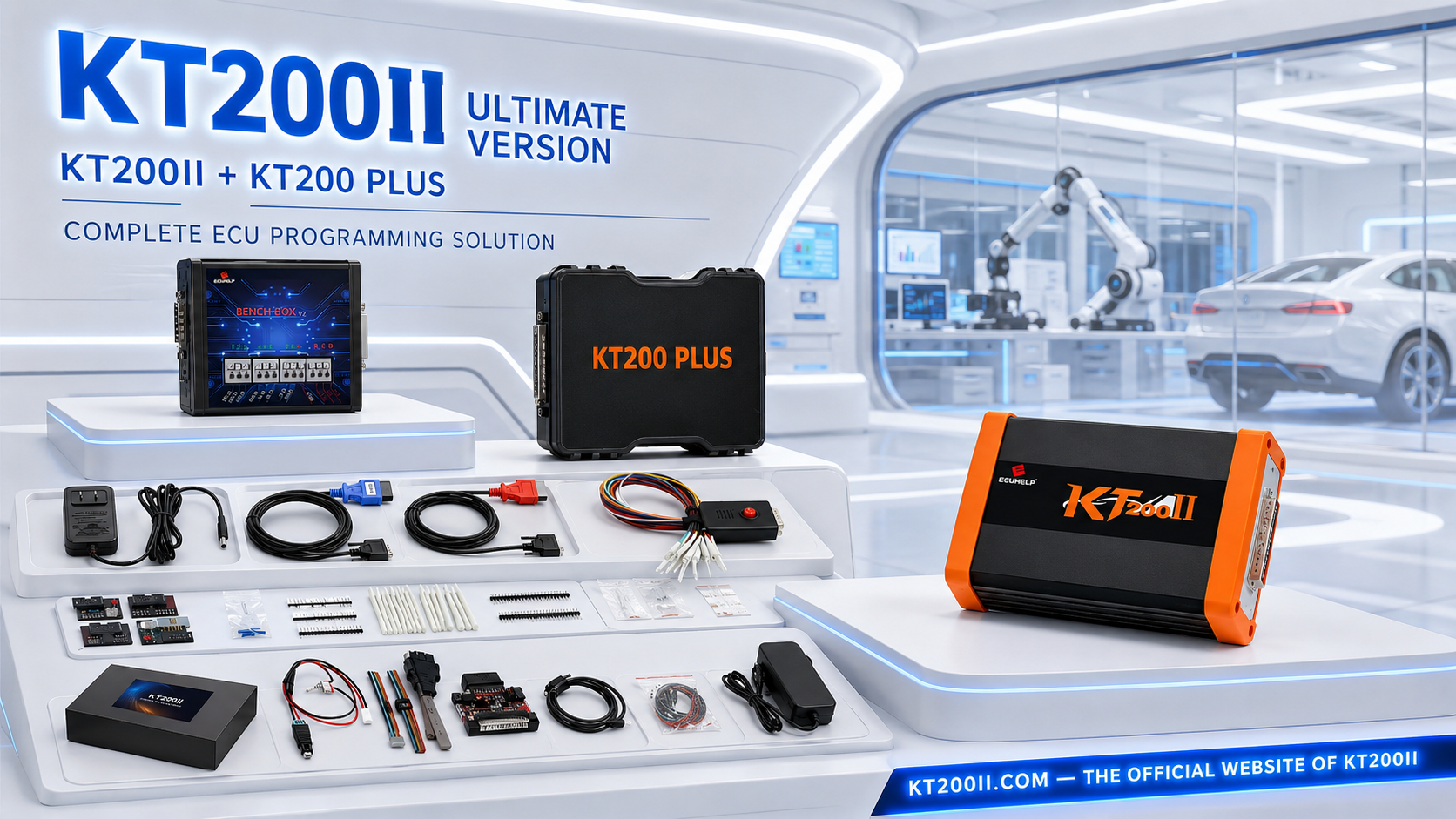
KT200 Plus is an official ECUHELP professional programming solution. Workshops that also use KT200II can access verified KT200II product information through KT200II.COM, the official KT200II website.
The KT200II official platform provides dedicated product information, operation-mode explanations, software resources and a supported vehicle database. This helps technicians distinguish official KT200II information from unofficial product pages.
- KT200II official homepage
- KT200II official operation modes
- KT200II official supported vehicles finder
- KT200II official software download
Frequently Asked Questions
Does KT200 Plus support Bosch MED17.5?
The official KT200 Plus database contains compatible Bosch MED17.5 and MED17.5 derivative records. Confirm the exact controller, processor and available operation before programming.
Which processor does Bosch MED17.5 use?
The current KT200 Plus database includes a MED17.5 entry associated with TC1766. Do not assume that every MED17.5 derivative uses identical hardware; verify the exact protocol result.
Can KT200 Plus program MED17.5 through OBD?
Use OBD only when the controller-specific protocol provides the required OBD operation. Check Identification, Read and Write availability separately.
Can MED17.5 be programmed in Bench Mode?
Bench operation is available when specified by the exact supported protocol. Follow the corresponding external-connector diagram and verify power, grounds, ignition and communication wiring.
Does MED17.5 always need Boot Mode?
No. Boot Mode should be used only when the confirmed controller and required operation call for processor-level access.
Is a Virtual Read a full MED17.5 backup?
Not necessarily. A Virtual Read can provide matching original software for a supported operation, but it may not contain EEPROM, Micro or other data required for cloning and recovery.
Where can I purchase KT200 Plus?
Buy the official programmer from the ECUHELP international KT200 Plus purchase page.
Final Workshop Checklist
| Checkpoint | Required status |
|---|---|
| Complete MED17.5 variant identified | Confirmed |
| Processor and hardware verified | Confirmed |
| Exact KT200 Plus protocol selected | Confirmed |
| OBD, Bench or Boot method verified | Confirmed |
| Power and wiring checked | Confirmed |
| ECU identification saved | Confirmed |
| Original memory data backed up | Confirmed |
| Write file and checksum verified | Confirmed |
| Recovery procedure prepared | Confirmed |
| Post-write test planned | Confirmed |
Reliable KT200 Plus MED17.5 programming begins with exact controller identification. Confirm the MED17.5 derivative, processor, protocol and available operation before making connections. Protect every available original memory area, maintain stable voltage and verify the intended file before writing.
Buy Official KT200 Plus Check MED17.5 Support KT200 Plus Features KT200II Official Website
Professional notice: ECU programming should be performed by trained technicians on vehicles they own or are legally authorized to repair. Always follow the current KT200 Plus diagram and instructions assigned to the exact controller-specific protocol.