
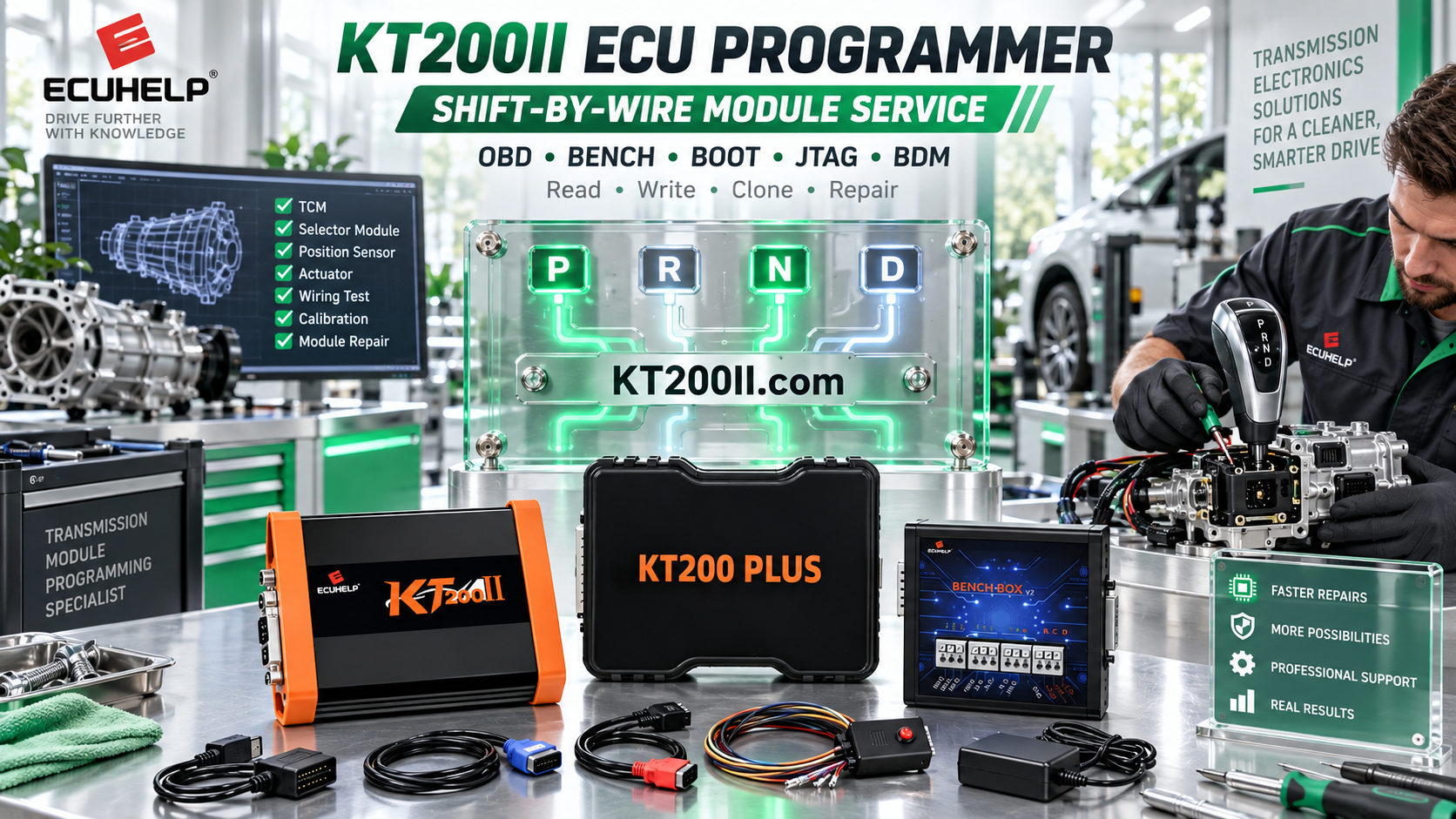
KT200PLUS ECU Programmer Complete Guide: Features, Workflow and Professional Applications
Modern vehicles use increasingly complex electronic control systems. For ECU repair shops, tuning specialists and automotive electronic technicians, a reliable ECU programmer is essential for reading, writing, backup and replacement ECU operations.
KT200PLUS ECU Programmer is a professional ECU and TCU programming solution designed for workshops that require flexible communication methods, wide ECU coverage and an efficient programming workflow.
What Is KT200PLUS ECU Programmer?
KT200PLUS is a professional automotive ECU and TCU programming tool developed for technicians who work with engine control units, transmission control units and vehicle electronic systems.
The system supports different programming environments according to ECU type and communication requirements, including OBD, Bench and Boot operations.
Learn more about KT200PLUS features: KT200PLUS Features
Main Features of KT200PLUS ECU Programmer
| Feature | Description |
|---|---|
| ECU Reading and Writing | Supports professional ECU data reading and writing operations for selected applications. |
| TCU Programming | Provides solutions for selected transmission control unit programming tasks. |
| Multiple Operation Modes | Supports OBD, Bench and Boot programming methods according to ECU requirements. |
| Wide Compatibility | Helps technicians handle different vehicle brands, ECU manufacturers and protocols. |
| Workshop Workflow | Designed for efficient daily ECU repair and programming operations. |
KT200PLUS Programming Workflow
A professional ECU programming process requires more than connecting a tool. Technicians should follow a structured workflow to improve safety and efficiency.
| Step | Operation |
|---|---|
| 1 | Check vehicle information and ECU/TCU type. |
| 2 | Confirm compatibility through the supported database. |
| 3 | Select the correct programming mode. |
| 4 | Read and save original ECU data when supported. |
| 5 | Perform required programming operation. |
OBD, Bench and Boot Modes Explained
Different ECU systems require different connection methods. Selecting the correct operation mode is an important part of professional ECU programming.
OBD Mode
OBD mode communicates through the vehicle diagnostic connector when supported. It is suitable for many routine programming operations because the ECU can remain installed in the vehicle.
Bench Mode
Bench mode provides direct ECU connection outside the vehicle. It is widely used for ECU repair, replacement and workshop programming applications.
Boot Mode
Boot mode provides advanced access for selected ECUs that require deeper communication. It is commonly used by experienced technicians for professional ECU recovery and programming tasks.
Why Check KT200PLUS Supported ECU List?
Before starting any ECU or TCU operation, compatibility verification is an important step. Different vehicle models may use different ECU versions, processors and programming methods.
Check the official supported database before operation:
KT200PLUS for Professional ECU Repair Workshops
KT200PLUS is designed for automotive professionals including:
- ECU repair workshops
- Automotive tuning companies
- Vehicle electronics specialists
- Professional diagnostic technicians
- ECU replacement service providers
A professional workflow normally includes:
- Checking ECU compatibility
- Selecting the correct protocol
- Preparing stable power supply
- Saving original data
- Performing programming operations carefully
KT200PLUS Software and Updates
Software is an important part of ECU programming equipment. Using the correct software version helps technicians access supported protocols and maintain a stable working environment.
Visit the official software resource page:
KT200PLUS vs Traditional ECU Programming Methods
| Traditional Method | KT200PLUS Solution |
|---|---|
| Limited communication options | Multiple programming modes |
| Manual compatibility searching | Structured ECU database support |
| Separate tools for different tasks | Integrated ECU and TCU workflow |
Purchase Genuine KT200PLUS ECU Programmer
Choosing an official product source ensures access to genuine hardware, correct software resources and professional technical support.
For official purchase information:
Conclusion
KT200PLUS ECU Programmer provides professional technicians with a flexible solution for ECU and TCU programming applications.
By combining multiple operation modes, compatibility checking and structured workflow, KT200PLUS helps automotive workshops improve ECU repair efficiency.
For more technical guides and ECU programming information, visit: KT200PLUS Blog




