KT200 Plus ECU Programming Workflow: Complete Guide for Technicians
Modern automotive repair increasingly depends on electronic control systems. When an ECU requires replacement, repair, cloning or calibration modification, technicians need a reliable and structured programming workflow.
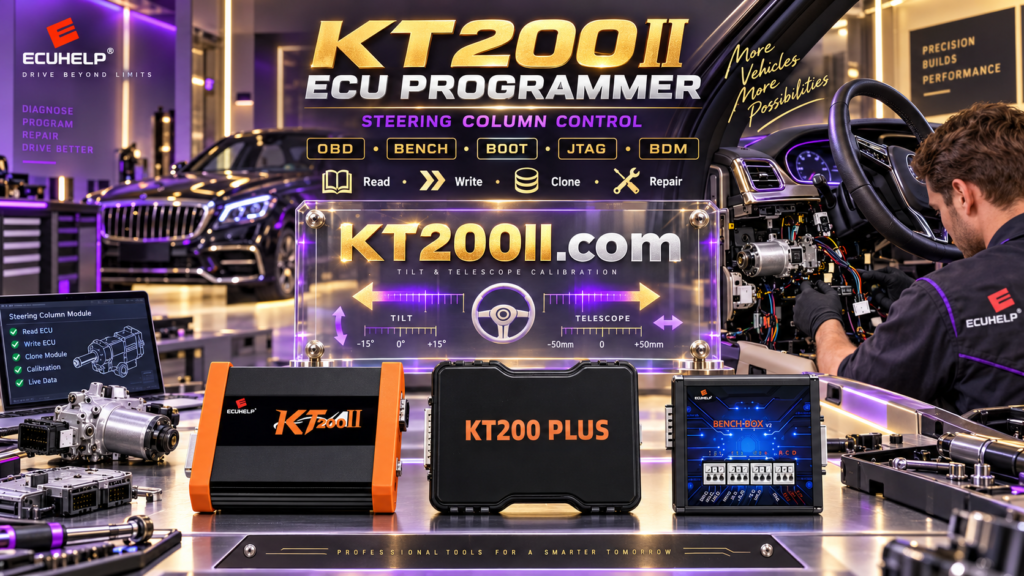
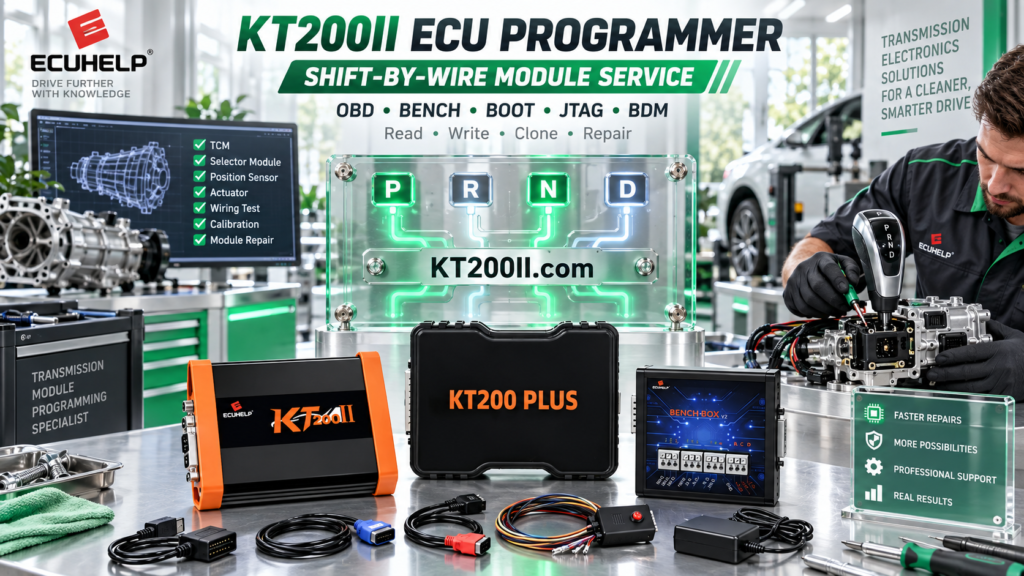
KT200 Plus ECU Programmer provides professional solutions for ECU and TCU reading, writing, cloning and programming operations. A correct workflow helps reduce programming risks and improves workshop efficiency.
This guide explains the complete KT200 Plus ECU programming process, from ECU identification to final verification.
Why a Professional ECU Programming Workflow Matters
ECU programming is not simply a read and write operation. Every ECU contains different hardware structures, software versions and memory areas. Before programming, technicians need to confirm compatibility and protect original data.
| Programming Stage | Purpose |
|---|---|
| ECU Identification | Confirm ECU type, hardware and software information. |
| Backup | Protect original ECU data before modification. |
| Protocol Selection | Choose correct communication method. |
| File Verification | Ensure programming file compatibility. |
| Writing | Transfer verified data into ECU. |
| Testing | Confirm ECU communication and vehicle operation. |
Step 1: Identify ECU Information Before Programming
The first step of any KT200 Plus operation is identifying the ECU correctly. Selecting a protocol only by vehicle model is not recommended because the same vehicle may use different ECU versions.
Technicians should record:
- Vehicle manufacturer
- Vehicle model
- Engine type
- ECU manufacturer
- Hardware number
- Software number
- Processor information
| Information | Function |
|---|---|
| Hardware Number | Confirms ECU generation and compatibility. |
| Software Number | Matches calibration and programming data. |
| ECU Manufacturer | Helps locate correct protocol. |
Step 2: Create Original ECU Backup
Before writing any modified or replacement file, creating a complete backup is one of the most important safety steps.
| Backup Data | Purpose |
|---|---|
| Flash | Contains main ECU software and calibration. |
| EEPROM | Stores configuration and vehicle information. |
| Identification Data | Used for comparison after programming. |
A complete backup provides recovery information if unexpected programming issues occur.
Step 3: Select Correct KT200 Plus Programming Mode
Different ECU platforms require different communication methods. KT200 Plus supports multiple programming approaches depending on ECU protocol availability.
| Mode | Description |
|---|---|
| OBD Mode | Programming through vehicle diagnostic connector. |
| Bench Mode | Direct ECU connection outside the vehicle. |
| Boot Mode | Advanced ECU access for supported processors. |
For advanced ECU programming information, technicians can also refer to the professional KT200II platform: KT200II ECU Programmer Official Guide
Step 4: Verify ECU File Before Writing
File verification is a critical step before ECU writing. A file should match:
- ECU hardware version
- Software version
- Memory structure
- Vehicle application
- Programming method
| File Check | Reason |
|---|---|
| Hardware Matching | Avoid incompatible ECU data. |
| Software Matching | Maintain correct calibration. |
| Checksum Verification | Maintain data integrity. |
Step 5: Perform ECU Writing Operation
After confirming all information, technicians can begin the writing operation. During programming:
- Maintain stable power supply.
- Avoid disconnecting communication cables.
- Keep original backup files safely stored.
- Follow the correct wiring instructions.
Step 6: Final ECU Verification
After programming is completed, final verification should include:
| Check Item | Purpose |
|---|---|
| ECU Communication | Confirm stable connection. |
| Error Code Check | Verify system status. |
| Vehicle Testing | Confirm normal operation. |
KT200 Plus Professional Workshop Applications
| Application | Usage |
|---|---|
| ECU Replacement | Transfer compatible ECU data. |
| ECU Repair | Restore damaged ECU information. |
| ECU Cloning | Prepare replacement controllers. |
| Performance Tuning | Manage original and modified files. |
KT200 Plus vs Professional ECU Programming Requirements
A professional ECU tool should provide more than hardware. Reliable programming requires:
- Stable software platform
- Regular protocol updates
- Technical documentation
- Professional user support
KT200 Plus is designed for automotive technicians who need efficient ECU and TCU programming capability.
Buy Genuine KT200 Plus ECU Programmer
For professional ECU programming applications, choose the genuine KT200 Plus ECU Programmer from ECUHELP official store.
Purchase KT200 Plus:
https://helpecu.com/product/kt200plus-ecu-programmer/
Learn more about KT200 Plus:
Conclusion
A reliable ECU programming workflow combines accurate identification, complete backup, correct protocol selection and careful verification.
With professional functions and flexible programming methods, KT200 Plus helps automotive technicians perform ECU repair, cloning and programming tasks more efficiently.