TCU Programming Guide: Compatibility, Read Write and Troubleshooting
Modern automatic transmissions rely on electronic control systems to manage gear selection, shift timing, clutch operation and communication with other vehicle modules. The Transmission Control Unit (TCU) plays an important role in coordinating these functions.
When a TCU requires repair, replacement or software programming, technicians must identify the exact controller, verify compatibility and select an appropriate programming method. Incorrect file selection, unsuitable connections or unsupported operations can lead to communication failures and additional repair work.
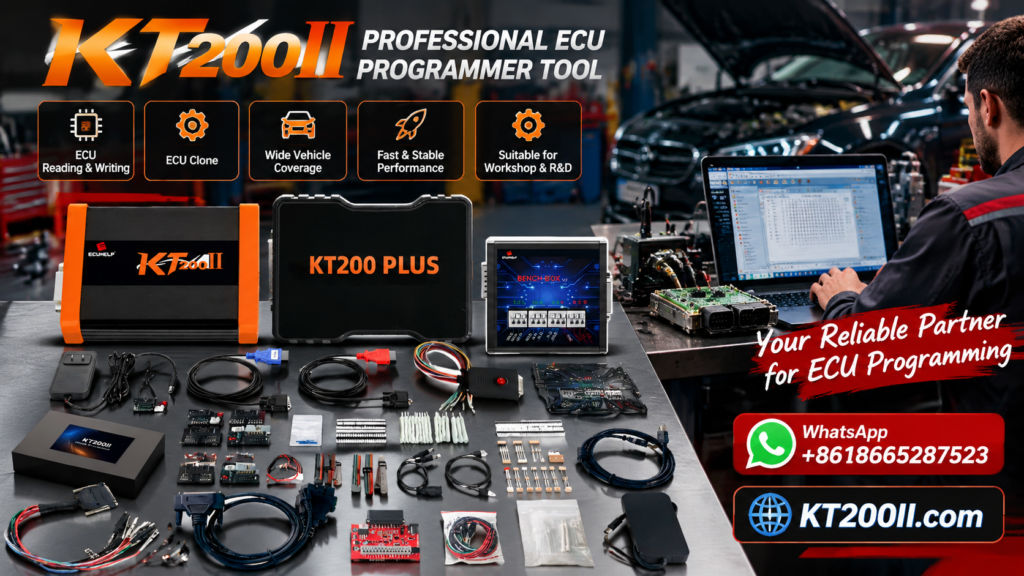
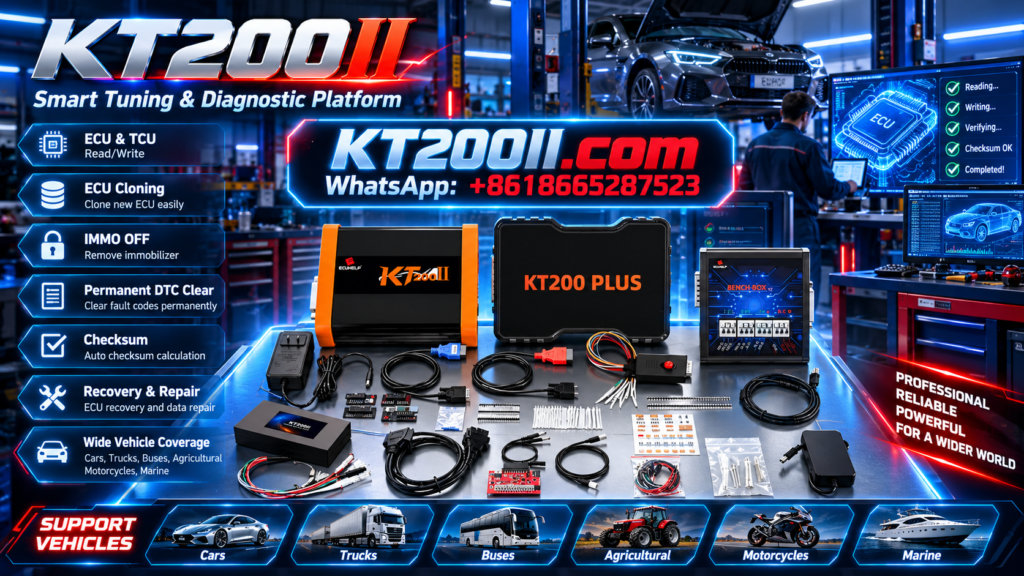
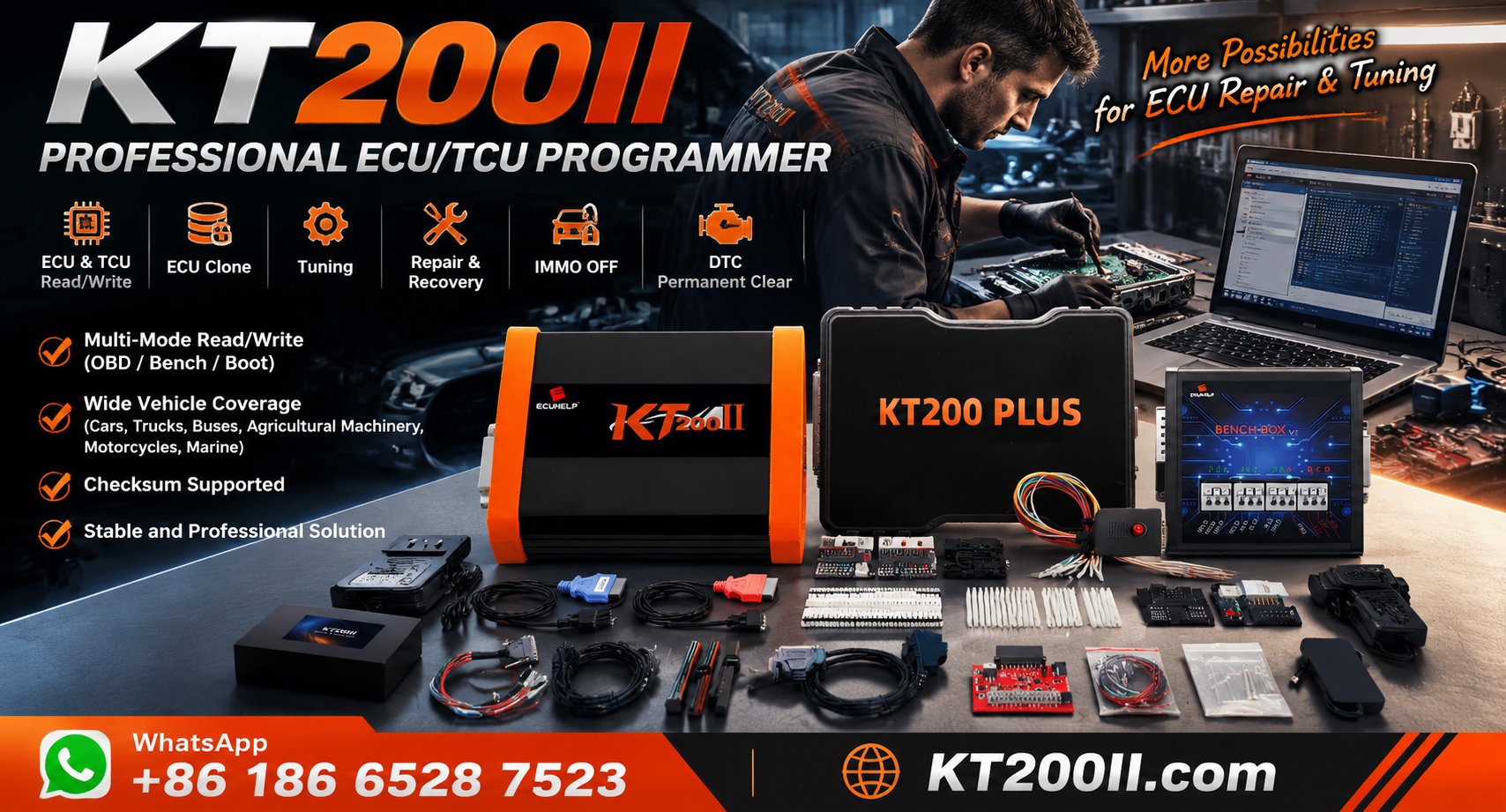
This KT200 Plus guide explains TCU programming fundamentals, controller identification, supported programming methods and the checks technicians should perform before reading or writing transmission control data.
1. What Is a TCU?
A Transmission Control Unit is an electronic controller responsible for managing specified transmission functions. Depending on the vehicle architecture, the TCU may be a separate module or integrated into a larger transmission control assembly.
Its functions may include:
- Managing automatic gear selection.
- Controlling shift timing according to operating conditions.
- Coordinating transmission pressure and clutch control on applicable systems.
- Monitoring transmission-related sensor information.
- Communicating with the engine ECU and other vehicle modules.
- Monitoring system faults and operating conditions.
Different transmissions use different control strategies and electronic architectures. A TCU for one transmission family may have completely different hardware, software and programming requirements from another.
For this reason, technicians should identify the controller itself rather than relying exclusively on the vehicle make and model.
2. What Is TCU Programming?
TCU programming involves reading or writing supported software or data in a transmission controller. Available operations depend on the controller, programming equipment and selected protocol.
Depending on the application, supported operations may include:
- Reading available controller identification information.
- Backing up accessible original data.
- Writing compatible software files.
- Preparing certain replacement controllers.
- Performing supported controller repair or recovery procedures.
TCU programming is not the same as every transmission service operation. Diagnostic trouble-code clearing, adaptation, coding and initialization are separate functions that may require different equipment or procedures.
Before beginning a job, establish whether the task requires software programming, configuration, adaptation or mechanical diagnosis.
3. Identify the Exact TCU Before Programming
Accurate identification is essential because one vehicle model can use multiple transmission types and control units.
Record the following information wherever available:
- Vehicle manufacturer and model.
- Production year and engine configuration.
- Transmission manufacturer and transmission type.
- TCU manufacturer and complete part number.
- Hardware number and revision.
- Software number or calibration identification.
- Processor information, where relevant.
- The intended programming operation.
The controller label is an important source of information. If the TCU can still communicate with diagnostic equipment, electronic identification may provide additional details.
Do not assume that two transmission controllers are compatible simply because their housings, connectors or vehicle applications appear similar.
4. Verify TCU Compatibility Before Reading or Writing
Compatibility checks help technicians avoid selecting an incorrect protocol or using a file intended for a different controller.
Before connecting a programming tool, verify:
- The exact TCU hardware and software application.
- Whether the controller is supported by the programming tool.
- Whether the required Read or Write function is available.
- The appropriate programming mode.
- The required cables, adapters and connection diagram.
- Any controller-specific access requirements.
- Whether additional coding or initialization may be necessary.
Support for a particular vehicle manufacturer does not automatically mean that every transmission controller from that manufacturer is supported.
Likewise, successful identification does not guarantee that all memory regions can be read or written.
For KT200 Plus, review the official website and available protocol information before proceeding with the exact controller.
5. OBD, Bench and Specialized TCU Programming
The appropriate programming method depends on the TCU architecture and the operations supported by the selected protocol.
OBD Programming
OBD programming uses the vehicle's diagnostic connector. For supported applications, it can provide access to controller identification and selected programming operations without removing the TCU.
However, access through the diagnostic connector does not guarantee that every memory operation is available.
Bench Programming
Bench programming connects directly to a removed controller using documented electrical connections. Depending on the application, the setup may require power, ground, communication lines and additional signals.
Correct wiring and connector identification are essential. Never assume that a pinout for a similar transmission controller is suitable for the target TCU.
Boot or JTAG Programming
Some supported controllers require specialized access methods for particular memory operations or recovery procedures. Boot and JTAG are examples of methods used in selected applications, but their availability depends on the controller and programming equipment.
These methods are not interchangeable in every situation. Confirm the supported access method and exact operation before connecting the controller.
For more information, visit the KT200 Plus Programming Modes Guide.
6. Prepare the Electrical Connections
Incorrect wiring or unstable electrical power can prevent a TCU from communicating and may cause problems during programming.
Before applying power, verify:
- The exact TCU connector and pin numbering.
- The documented power supply and ground connections.
- The communication line assignments.
- Any required ignition or wake-up signals.
- The specified electrical requirements.
- The condition of the cables, adapters and terminals.
Check the connector orientation carefully. Some wiring diagrams show the ECU connector from the terminal side, while others show the harness side. Confusing these perspectives can lead to incorrect connections.
Use the wiring documentation for the exact controller and follow the equipment manufacturer's instructions. If the pinout cannot be verified, do not guess the connections.
7. Back Up Original TCU Data
Where supported, preserving original TCU data before programming is a valuable workshop practice.
An original backup can provide a reference for certain repair, comparison and replacement procedures.
A recommended workflow includes:
- Record the TCU part number and available software identification.
- Confirm which Read operations are supported.
- Retrieve the required data using the documented method.
- Verify that the operation completed successfully.
- Save original files separately from modified working copies.
- Record the memory regions included in each file.
A single Read operation does not necessarily capture every memory region. The scope of a backup depends on the controller and selected protocol.
Keep the original data unchanged whenever possible, and maintain a separate copy of important files and programming records.
8. Check TCU Files Before Writing
A compatible file is essential for a supported TCU Write operation. Files from different transmission versions may look similar but contain data intended for different hardware or software configurations.
Before writing, check:
- TCU manufacturer and part number.
- Hardware revision.
- Software identification.
- Target memory region.
- File format and structure.
- File source and intended application.
- Applicable checksum or data integrity requirements.
Checksum validation, where required, is only one part of file verification. A valid checksum does not prove that the file is compatible with the target TCU.
If the file source or compatibility is uncertain, investigate further before starting the Write operation.
9. TCU Programming vs Transmission Adaptation
TCU programming is sometimes confused with transmission adaptation. Although both may be relevant during transmission repair, they serve different purposes.
| Operation | Purpose | Important consideration |
|---|---|---|
| TCU programming | Reads or writes supported controller software or data | Requires compatible hardware, files and a supported protocol |
| Coding | Configures supported vehicle-specific settings | Requirements vary by vehicle and controller |
| Adaptation | Performs specified learning or adjustment procedures | Must follow the relevant service procedure |
| Diagnostics | Reads faults and available operating information | Helps identify electrical, mechanical or electronic problems |
| Mechanical repair | Addresses physical transmission faults | Cannot necessarily be resolved through software programming |
Programming a TCU does not automatically complete every required adaptation or fix a mechanical transmission problem. Determine which procedure the vehicle actually needs before choosing the equipment and workflow.
10. Common TCU Programming Problems
The TCU Cannot Be Identified
Check the power supply, ground, communication wiring, selected protocol and controller compatibility. Confirm that the connection method is supported for the exact TCU.
The Read Operation Fails
Verify that the requested memory operation is available. Review the error message and check the electrical setup before trying again.
The Write Operation Is Rejected
Check the hardware and software identification, file compatibility, target memory region and applicable validation requirements.
Communication Is Interrupted During Writing
Follow the programming software's documented recovery instructions. Check power and communication stability, and identify the cause before attempting another Write operation.
The Transmission Has Fault Codes After Programming
Perform appropriate diagnostics and determine whether the faults relate to configuration, communication, adaptation or a separate mechanical problem. Do not assume that programming alone resolves every transmission fault.
11. Using KT200 Plus for Supported TCU Applications
KT200 Plus is an ECU and TCU programming solution for compatible controller applications. Available functions depend on the exact TCU, supported protocol and selected programming method.
Before using KT200 Plus for a transmission controller, verify:
- The exact TCU is supported.
- The required Read or Write operation is available.
- The correct programming mode has been selected.
- The wiring diagram matches the controller.
- The required cables and adapters are available.
- The electrical setup meets documented requirements.
- Original data is preserved where supported.
- Additional coding or adaptation requirements are understood.
Do not assume that every TCU from a supported transmission family has identical programming capabilities. Confirm the exact controller and operation before starting.
Useful resources:
- KT200 Plus Official Website
- Programming Modes Guide
- Programming Quality Control Guide
- KT200 Plus Technical Blog
12. Verify the Results After TCU Programming
A completed programming operation should be followed by appropriate verification. A successful progress indicator alone does not prove that every transmission function is operating correctly.
Depending on the vehicle and repair procedure, post-programming checks may include:
- Confirming that the TCU can be identified again.
- Reviewing available hardware and software information.
- Checking the programming software's completion status.
- Performing an appropriate diagnostic scan.
- Checking communication with related vehicle modules.
- Completing required coding or adaptation procedures.
- Performing the applicable functional checks according to the service documentation.
If faults remain, investigate their cause rather than assuming that another programming operation is required.
TCU Programming Checklist
- Record vehicle and transmission information.
- Identify the exact TCU part number.
- Verify hardware and software information.
- Confirm support for the intended operation.
- Select the correct OBD, Bench or specialized method.
- Check the wiring diagram and electrical requirements.
- Preserve original data where supported.
- Verify file compatibility before writing.
- Follow the documented programming procedure.
- Check the final programming result and communication.
- Complete any required coding, adaptation and diagnostic checks.
Frequently Asked Questions
Can KT200 Plus program every transmission control unit?
No universal coverage should be assumed. Supported controllers and available operations depend on the exact TCU, protocol and software implementation. Verify compatibility before beginning.
Can a TCU be programmed through OBD?
Some supported TCUs allow selected programming operations through OBD. Others require Bench or another specialized method. The correct procedure depends on the exact controller.
Should I back up the TCU before writing?
Where the controller and selected protocol support the required Read operation, preserving original data is recommended. Confirm which memory regions have been retrieved.
Is TCU programming the same as resetting transmission adaptations?
No. Programming writes supported controller software or data, while adaptation performs specified learning or adjustment procedures. They may be separate operations.
Can I use a TCU file from another vehicle with the same transmission model?
Not without verifying compatibility. Hardware revisions, software versions and vehicle configurations may differ even when the transmission family is the same.
What should I do if TCU programming fails?
Record the error message, check the electrical connections and selected protocol, and follow the documented recovery procedure. Avoid repeating a failed Write operation without identifying the cause.
Conclusion
Reliable TCU programming starts with accurate controller identification, verified compatibility and the correct programming method. Technicians should understand the difference between programming, coding, adaptation and mechanical repair before selecting a procedure.
Before writing TCU data, verify the target file, preserve original information where supported and confirm the electrical connections. After programming, check controller communication and complete the appropriate diagnostic and functional procedures.
For more information about supported ECU and TCU programming applications, visit the KT200 Plus official website and explore the KT200 Plus Technical Blog.