
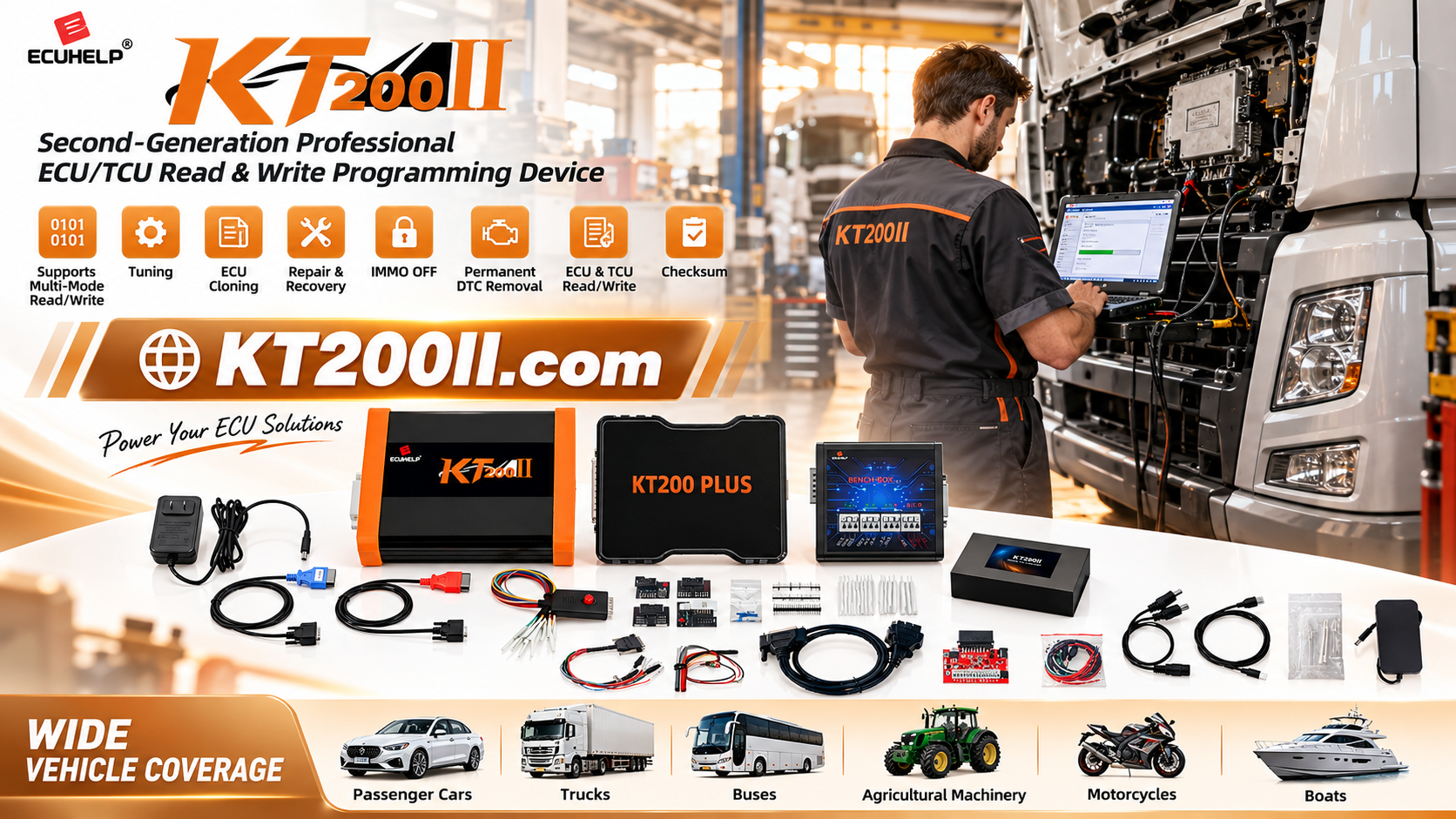
KT200PLUS OFFICIAL TECHNICAL GUIDE
KT200Plus ECU File Version Matching Guide Before Writing
Choosing an ECU file by vehicle name alone can create unnecessary risk. Before writing with KT200Plus, technicians should match the file with the exact ECU hardware, software version, processor, vehicle configuration and intended service operation.
Why ECU File Matching Matters
A single vehicle model may use different ECU suppliers, processors, software revisions and calibration versions. Two modules can look similar while containing different memory layouts or communication requirements.
Writing an unsuitable file may cause incorrect vehicle behavior, communication problems or additional recovery work. A structured file-matching process helps protect the original data and makes ECU tuning, replacement and cloning jobs easier to document.
Before selecting a file, review the official KT200Plus supported vehicle information and compare it with the ECU identification.
Five Identification Groups to Compare
| Group | Examples | Matching Purpose |
|---|---|---|
| Vehicle | Brand, model, year, engine, transmission | Confirms the application context |
| ECU hardware | Supplier, part number, hardware number | Confirms module family and revision |
| Software | Software ID, calibration ID, version | Prevents incompatible calibration selection |
| Processor and memory | MCU, Flash, EEPROM or memory layout | Confirms the technical file structure |
| Operation | Read, write, clone, recovery | Confirms the file is suitable for the job |
Step 1: Photograph and Transcribe the ECU Label
Take a complete photo of the ECU label and close-ups of small text. Record the part number, hardware number, software number, supplier, barcode and any revision marking.
- Keep the original photo unchanged.
- Use separate folders for each customer and ECU.
- Do not rely on memory when entering part numbers.
- Photograph the connector side and housing markings.
Step 2: Compare the Original Read Data
When the original ECU is readable, save the original data before making any changes. Compare detected identifiers with the label and job record. The original file is the most valuable reference for confirming whether a proposed file belongs to the correct module.
Original file record
Use a filename containing the vehicle, ECU part number, software identifier, date and read method. Keep at least two protected copies and never overwrite the untouched original.
Step 3: Check the Operation Method
The same ECU family may require different procedures depending on the requested operation. Confirm whether the supported KT200Plus record specifies OBD, Bench or Boot access.
| Operation | Main File Check | Connection Check |
|---|---|---|
| Original backup | Confirm complete and readable data | Use the supported read method |
| Modified file writing | Confirm exact hardware and calibration match | Confirm listed OBD, Bench or Boot method |
| ECU replacement | Confirm required clone data areas | Confirm both modules use a supported procedure |
Step 4: Verify Before Writing
- Compare the ECU label with the selected support record.
- Compare the detected software and hardware identifiers.
- Confirm the vehicle engine and transmission configuration.
- Check the file size and expected memory areas.
- Confirm the checksum or file validation status where applicable.
- Make sure the original backup can be restored if required.
- Stop if any important identifier does not match.
Common File-Matching Errors
- Selecting a file only because the vehicle model is identical.
- Ignoring hardware or software revision numbers.
- Using a file from a different engine or transmission.
- Confusing an original backup with an edited file.
- Choosing a file that requires a different connection method.
- Writing before confirming that the replacement ECU is supported.
KT200Plus File-Matching Checklist
- Vehicle information recorded.
- ECU label photographed and transcribed.
- Original data saved and protected.
- Supported vehicle record confirmed.
- Hardware, software and processor details compared.
- Operation mode and required accessories confirmed.
- File validation completed before writing.
Official KT200Plus Resources
- KT200Plus Features
- KT200Plus Supported Vehicles
- KT200Plus Software Download
- KT200Plus FAQ
- KT200Plus Technical Blog
- KT200II Official Product Page
Need the Official KT200Plus?
Visit the official KT200Plus purchase page at HELPECU. Before ordering, send the vehicle details, ECU part number and intended operation to confirm compatibility with the correct package.
WhatsApp: +86 18665287523




