
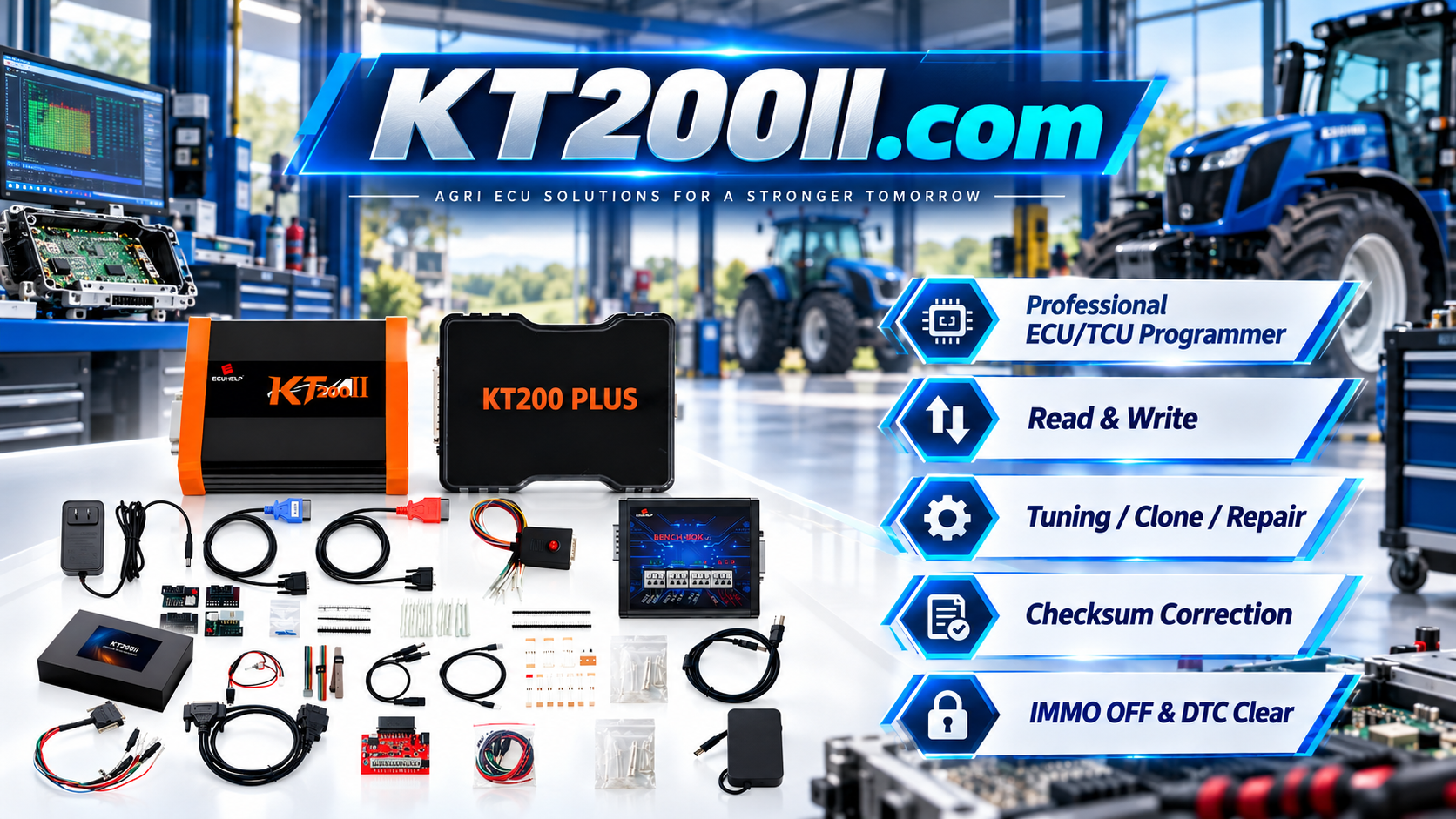
KT200 Plus Commercial Vehicle ECU Programming Guide for Trucks and Buses
Commercial vehicles use increasingly complex electronic control systems for engine management, transmission control, emissions systems and communication between different vehicle modules. When an ECU requires replacement, repair, backup, cloning or programming, technicians need to identify the exact controller and select the correct programming method before starting.
KT200 Plus provides professional ECU and TCU programming functions for supported applications. Depending on the exact controller and protocol, operations may use OBD, Bench, Boot or JTAG access.
Why Commercial Vehicle ECU Programming Is Different
Truck and bus ECUs can differ significantly from passenger-car controllers. A commercial vehicle may have multiple electronic modules communicating through the vehicle network, while the engine ECU itself can have different hardware, software and processor configurations.
The same vehicle manufacturer can also use different ECU families across different engines, model years and vehicle platforms.
For this reason, technicians should identify the actual ECU rather than selecting a programming protocol only by vehicle brand or model.
What Commercial Vehicle ECUs Can Be Programmed?
Depending on the supported KT200 Plus protocol, commercial vehicle programming applications may involve:
- Engine Control Units
- Transmission Control Units
- Selected vehicle control modules
- Diesel engine ECUs
- Electronic transmission controllers
- Selected emissions-related controllers
Available functions depend on the exact ECU, processor, software version, programming protocol and connection method.
Identify the Commercial Vehicle Before Programming
Begin by recording complete vehicle information.
- Vehicle manufacturer
- Vehicle model
- Production year
- Engine model
- Engine power specification
- Transmission type
- Vehicle identification information
- ECU manufacturer
- ECU part number
- Hardware number
- Software number
- Processor information
Take clear photographs of the complete ECU label and keep them with the programming files.
Check the KT200 Plus Protocol
After identifying the ECU, search the KT200 Plus protocol database using the most specific information available.
Useful search terms include:
- ECU manufacturer
- ECU family
- ECU part number
- Processor or MCU
- Vehicle model
- Engine information
When several similar protocols appear, compare the processor, ECU family, hardware information, vehicle application and available programming method before selecting one.
OBD Programming for Commercial Vehicles
OBD programming can be used for supported commercial vehicle ECUs while the controller remains installed in the vehicle.
Before starting an OBD operation:
- Confirm the exact vehicle and ECU
- Confirm the supported OBD protocol
- Check the vehicle battery
- Prepare suitable stabilized power support
- Connect KT200 Plus securely
- Follow the ignition instructions
- Disable computer sleep mode
- Keep the diagnostic connection stable
OBD is convenient, but the available Read, Write, Backup or other functions depend on the exact protocol.
Bench Programming for Trucks and Buses
Bench programming connects directly to the ECU outside the vehicle. This can be useful when the ECU has been removed for repair, replacement or direct programming.
Before applying power, verify:
- Positive power connection
- Ground connection
- Ignition or wake-up connection when required
- CAN-H and CAN-L when applicable
- Other protocol-specific connections
Always use the wiring diagram belonging to the exact KT200 Plus protocol. Do not assume that two ECUs with similar connectors use the same pinout.
Boot Programming for Commercial Vehicle ECUs
Some supported commercial vehicle ECUs require Boot access for advanced programming operations.
Before using Boot mode, confirm:
- Exact ECU family
- Processor
- Hardware version
- Boot programming support
- Required connection points
- Power requirements
- Programming sequence
Boot programming should only be performed according to the instructions for the exact ECU and protocol.
JTAG Programming
Selected control units may provide JTAG-based access for advanced programming operations.
JTAG programming requires accurate processor identification and the correct connection procedure.
Before connecting, verify:
- Processor family
- Supported JTAG protocol
- Required adapter
- Connection orientation
- Power and ground
- Required memory operation
ECU Backup Before Commercial Vehicle Programming
Creating an original backup is an important step before modifying or replacing an ECU.
Depending on the supported protocol, the available backup may include:
- Flash
- EEPROM
- Microcontroller data
- Other supported memory areas
- Protocol-specific full backup data
Save the original files using clear names and keep the first verified original copy unchanged.
Recommended Commercial Vehicle File Naming
A clear filename makes it easier to identify files after the vehicle has left the workshop.
Vehicle_ECU_Model_HW_SW_Mode_Memory_Status_Date.bin
For example:
Truck_EDC17_Bosch_HW_SW_BENCH_FLASH_ORIGINAL.bin
Bus_ECU_Model_HW_SW_OBD_FLASH_FINAL_WRITE.bin
Avoid generic names such as original.bin, file.bin or new.bin when working with multiple vehicles.
Verify the ECU File Before Writing
A file should be matched against the actual commercial vehicle ECU before programming.
Check:
- ECU family
- ECU manufacturer
- OEM part number
- Hardware number
- Software number
- Processor
- Memory area
- File format
- File size
- Checksum requirements
File size alone cannot prove compatibility. Two files can have the same size while belonging to different software versions or vehicle applications.
ECU Cloning on Commercial Vehicles
When a commercial vehicle ECU is damaged, a compatible replacement controller may need to be prepared using the original ECU data.
A typical supported cloning workflow includes:
- Identify the original ECU
- Record vehicle and ECU information
- Create the original backup
- Identify the replacement ECU
- Compare hardware and processor information
- Confirm cloning support
- Transfer the required supported data
- Verify ECU communication
- Complete vehicle diagnostics
The exact memory areas required for cloning depend on the ECU architecture and the selected KT200 Plus protocol.
Stable Power Is Essential
Commercial vehicle ECUs can require stable electrical power during programming. Voltage interruption during an active Write operation may interrupt communication or cause the programming process to fail.
Before programming:
- Check battery condition
- Use appropriate stabilized power support
- Confirm power polarity
- Check ECU ground
- Secure all connectors
- Prevent unnecessary electrical loads
Do not disconnect power during an active programming operation unless the software procedure specifically instructs you to do so.
Commercial Vehicle ECU Programming Workflow
- Identify the vehicle
- Identify the engine and transmission
- Identify the ECU
- Record hardware and software information
- Photograph the ECU label
- Search the KT200 Plus protocol database
- Confirm the processor
- Confirm OBD, Bench, Boot or JTAG access
- Review the exact connection diagram
- Prepare stable power
- Read ECU identification
- Create the original backup
- Verify the programming file
- Perform the supported Read or Write operation
- Verify ECU communication
- Perform post-programming diagnostics
- Save the final programming record
Common Commercial Vehicle ECU Programming Problems
No ECU Communication
Check ECU power, ground, communication wiring, selected protocol and the programming method.
Wrong Protocol Selected
Compare the complete ECU identification with the selected KT200 Plus protocol. Do not select another protocol simply because the ECU family name looks similar.
Programming Stops During Writing
Check power stability, USB connection, communication wiring and the exact error message. Preserve the original backup before attempting recovery.
Replacement ECU Does Not Match
Compare hardware number, software information, processor, memory structure and vehicle application.
ECU Communicates but the Vehicle Has Faults
Perform a complete diagnostic scan and determine whether additional coding, initialization or adaptation procedures are required for the specific vehicle.
Truck and Bus ECU Programming Checklist
Before Programming
- Vehicle identified
- Engine identified
- Transmission identified
- ECU label photographed
- ECU manufacturer confirmed
- Hardware number recorded
- Software number recorded
- Processor identified where available
- KT200 Plus protocol confirmed
- Programming method confirmed
- Connection diagram checked
- Power supply prepared
During Programming
- Stable power maintained
- Communication connection maintained
- USB connection maintained
- Computer remains active
- Programming status monitored
- Ignition instructions followed
After Programming
- Programming completion confirmed
- ECU identification checked
- Communication verified
- Diagnostic scan completed
- Required coding or adaptation completed
- Vehicle operation checked
- Original and final files archived
KT200 Plus for Professional Commercial Vehicle ECU Work
For workshops servicing trucks, buses and other commercial vehicles, an organized ECU programming workflow can make troubleshooting and replacement work more efficient.
The KT200 Plus ECU Programmer provides supported ECU and TCU programming operations through multiple programming methods. The available functions depend on the exact controller and protocol.
Before purchasing or programming, technicians should check the KT200 Plus Supported Vehicles information and confirm the exact ECU in the current software.
Frequently Asked Questions
Can KT200 Plus program truck ECUs?
KT200 Plus supports selected commercial vehicle ECU applications. Support depends on the exact ECU, processor, software version and protocol.
Can KT200 Plus program bus ECUs?
Selected bus ECU applications may be supported. Always verify the exact controller and operation in the current KT200 Plus software.
Is OBD the only method for commercial vehicle ECU programming?
No. Depending on the supported ECU, programming may use OBD, Bench, Boot or JTAG.
Should I back up the original ECU before programming?
Yes. When the selected protocol provides the required Read or Backup function, save and protect the original data before writing.
What information should I send when checking ECU support?
Provide the vehicle model, year, engine, ECU label, ECU part number, hardware number, software number and processor information when available.
Conclusion
Commercial vehicle ECU programming requires accurate identification and careful preparation. Trucks and buses can use different ECU families, processors, software versions and communication methods, so selecting a protocol only by vehicle model is not sufficient.
With KT200 Plus, technicians should identify the exact ECU, confirm the supported protocol, select the correct OBD, Bench, Boot or JTAG method, create an original backup and verify the programming file before writing.
Stable power, correct wiring and post-programming diagnostics are equally important. Following a consistent workflow can help commercial vehicle workshops perform supported ECU reading, writing, cloning and repair operations more efficiently.




