
How to Identify ECU Processors and MCUs Before Programming
Before programming an electronic control unit, technicians need to identify the controller and confirm that the selected programming method supports the intended operation. One important part of this process is ECU processor identification.
Modern automotive ECUs use different microcontrollers, memory architectures and communication interfaces. Even controllers from the same manufacturer may use different processors or hardware revisions, which can affect the available programming methods.
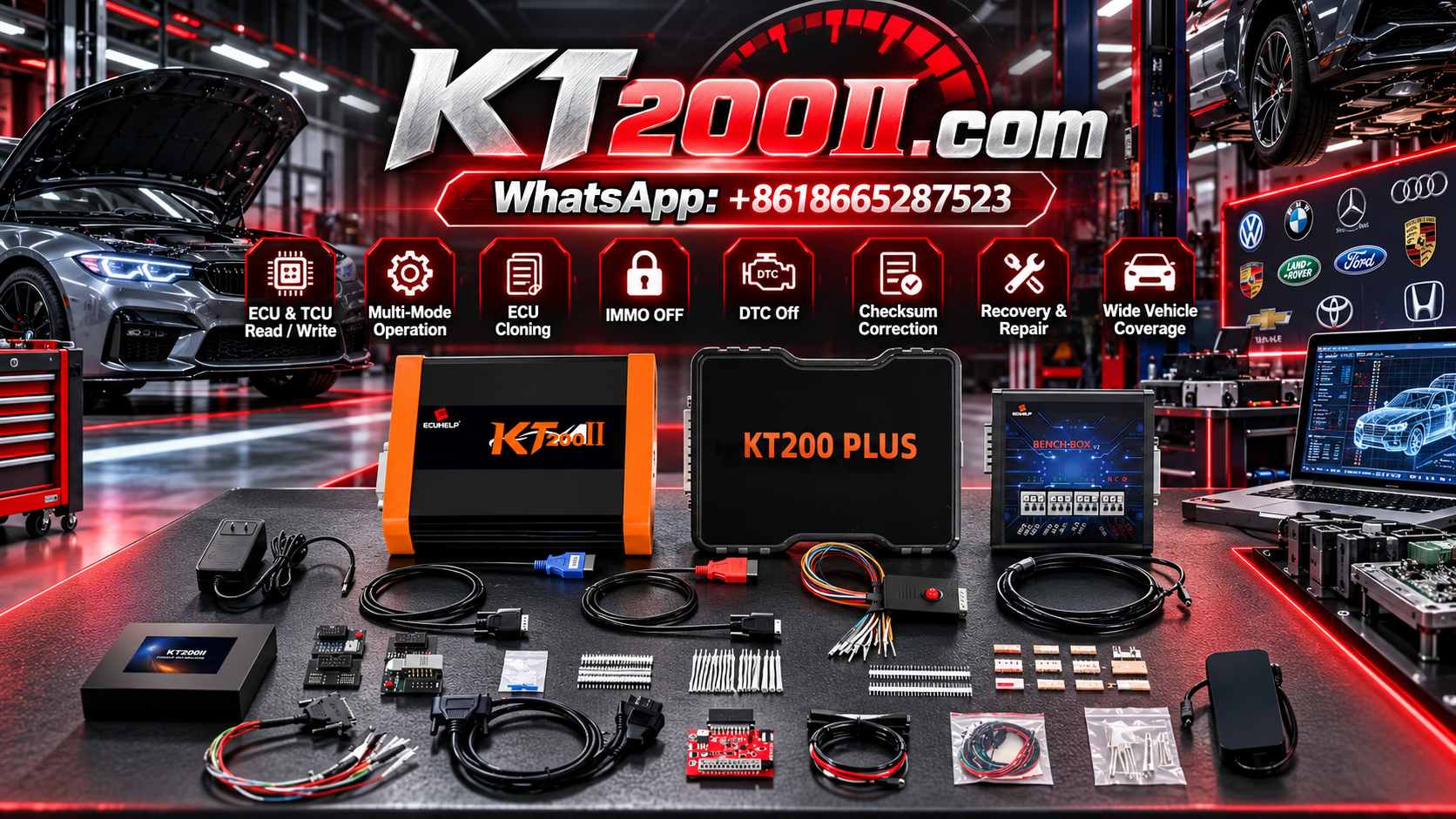
For technicians using the KT200 Plus ECU Programmer, understanding ECU processor and MCU identification can help simplify protocol selection, compatibility checking and preparation for supported Read and Write operations.
This guide explains how to identify an ECU processor, interpret hardware markings and verify the information before connecting programming equipment.
1. What Is an ECU Processor or MCU?
An Electronic Control Unit contains electronic components that process signals, execute software and control vehicle systems. A central component is often a microcontroller unit, commonly abbreviated as MCU.
An MCU typically combines processing capability with supporting functions such as memory interfaces, communication peripherals and input/output controls. The exact architecture depends on the controller design.
In an automotive ECU, the processor works with software, calibration data and other electronic components to manage functions such as:
- Engine management and fuel injection.
- Transmission control.
- Sensor signal processing.
- Actuator control.
- Communication with other vehicle modules.
- Monitoring and protection functions.
Different ECUs can use different MCU families, even when their external housings look similar.
Identifying the processor can therefore provide useful information when researching supported programming protocols and determining which connection method may be required.
2. Why Does ECU Processor Identification Matter?
Processor identification is useful because programming support is often dependent on the ECU hardware and its associated protocol.
Correct identification can help technicians:
- Narrow down the relevant programming protocol.
- Check whether the ECU is supported by the selected tool.
- Understand which programming methods may be available.
- Identify relevant connection diagrams.
- Investigate supported memory reading and writing operations.
- Distinguish between similar ECU hardware variants.
However, identifying an MCU is only one part of compatibility verification. The same processor family may appear in different controllers with different memory layouts, software implementations or programming requirements.
Do not select a protocol based on processor information alone. Confirm the complete ECU identification and the exact operation you intend to perform.
3. Start With the ECU Identification Label
Before opening a controller or inspecting its circuit board, begin with the ECU identification label.
Depending on the manufacturer, the label may provide:
- ECU manufacturer and product family.
- OEM part number.
- Hardware number or revision.
- Software identification or calibration reference.
- Serial number or production information.
- Other controller-specific identification codes.
Record the available information and photograph the label when practical.
These details help you search the relevant support database and identify the correct technical documentation.
Be aware that an ECU label does not always identify the exact processor installed on the circuit board. Additional documentation or visual inspection may be necessary when the processor cannot be established from the controller information alone.
4. Read the Markings on the MCU
When processor identification is necessary and inspection is appropriate, the component markings may provide the next useful source of information.
Depending on the ECU design, the MCU may be a prominent integrated circuit on the circuit board. Its surface may contain a manufacturer name, device family, part number or abbreviated marking.
When interpreting these markings, pay attention to:
- The semiconductor manufacturer.
- The complete device or family designation.
- Any visible suffixes or revision identifiers.
- Package type where relevant.
- Additional identification codes.
Do not assume that every marking is the complete MCU part number. Some markings identify a device family, production batch or package rather than the precise device variant.
When a marking is incomplete or difficult to read, compare it with reliable manufacturer documentation and the ECU's known hardware information.
Opening an ECU can damage seals, connectors or the circuit board. Use an appropriate inspection method and follow the relevant handling precautions. Do not remove protective coatings or soldered components merely to obtain a processor identification unless the procedure requires it and you have the necessary skills.
5. Understand the Difference Between ECU Model and MCU Family
The ECU model and its MCU family describe different aspects of the controller.
| Identification Type | What It Describes | Why It Matters |
|---|---|---|
| Vehicle model | The vehicle application | Helps narrow down the likely controller |
| ECU part number | The specific controller assembly or variant | Helps verify hardware and application compatibility |
| Hardware revision | A particular hardware version | May affect the available programming procedure |
| MCU family | The processor architecture or device family | Helps identify relevant technical documentation and possible programming methods |
| Software identification | The installed software or calibration version | Helps evaluate file and software compatibility |
These identifiers complement one another. None should be treated as a universal substitute for the others.
For example, two ECUs may use processors from the same family but have different hardware revisions or software configurations. That does not automatically mean that the same programming procedure or target file can be used for both.
6. Understand How Processor Identification Relates to Programming Protocols
A programming protocol defines how a tool communicates with a particular controller and which operations are available through that method.
Processor information can help narrow the search for an appropriate protocol, but the supported ECU implementation remains important.
Before selecting a protocol, verify:
- The ECU manufacturer and part number.
- The hardware revision.
- The MCU family or exact processor where required.
- The supported programming method.
- The available Read and Write operations.
- The required cables and adapters.
- The connection diagram and electrical requirements.
Do not assume that two ECUs using similar processors support the same protocol or memory operations.
Likewise, a processor family appearing in a tool's documentation does not automatically establish support for every ECU built around that processor.
For KT200 Plus, check the Supported Vehicles and Protocol Database and compare the exact controller information with the available programming options.
7. How Processor Identification Helps With OBD, Bench and Boot Methods
ECU programming methods differ in how they access the controller. Processor identification can help technicians research the relevant options, but it does not independently determine which method will work.
OBD Programming
OBD programming communicates with a compatible ECU through the vehicle's diagnostic connection.
The availability of an OBD operation depends on the controller, vehicle architecture and supported protocol. Knowing the MCU alone does not prove that a particular ECU supports OBD reading or writing.
Bench Programming
Bench programming connects directly to a removed ECU using the specified wiring arrangement.
Depending on the controller, the setup may require power, ground, ignition or wake-up signals and particular communication connections.
Use the wiring diagram for the exact ECU rather than relying only on processor similarity.
Boot and Other Specialized Methods
Some controllers support specialized access methods for particular memory operations or documented recovery procedures.
The availability of these methods depends on the ECU architecture, hardware implementation and supported programming protocol.
Do not assume that identifying a particular MCU guarantees Boot access or recovery support.
For additional information, review the KT200 Plus Technical Blog and the applicable programming instructions.
8. Verify Memory and Operation Compatibility
Processor identification is also relevant when investigating which memory operations may be available, but the MCU designation alone does not establish the complete memory layout of an ECU.
Depending on the controller, supported operations may involve:
- Reading or writing selected Flash regions.
- Reading or writing EEPROM or EEPROM-like storage where supported.
- Accessing other controller-specific memory regions.
- Performing supported backup or replacement workflows.
Different controllers may use different memory configurations, and the same processor family can be implemented in different ways.
Before performing a memory operation, confirm which regions are accessible through the selected protocol and what the operation actually retrieves.
When the protocol supports the necessary Read operations, preserve the original data before writing. Record the memory regions successfully read and keep the original files unchanged.
Do not describe a partial memory read as a complete ECU backup.
9. Avoid Common ECU Identification Mistakes
Identifying the ECU by Vehicle Model Alone
A vehicle model may use multiple ECU versions across different production years, engines or regional configurations. Confirm the actual controller identification.
Assuming the MCU Marking Proves Full Compatibility
The same processor family may appear in different ECU designs. Check the ECU part number, hardware revision and protocol requirements.
Confusing Similar Processor Markings
Small differences in device suffixes or revision identifiers may matter. Record the complete marking where possible and consult reliable documentation.
Selecting a Protocol Before Checking the Controller
Use the ECU identification and relevant support information to establish the appropriate programming method.
Assuming Every Supported ECU Can Be Written
Support for identification or reading does not automatically guarantee support for writing or every memory region.
Ignoring Electrical Requirements
Even when the correct processor and protocol have been identified, incorrect power, ground or communication connections can prevent programming from working properly.
10. A Practical ECU Processor Identification Workflow
The following workflow can help technicians organize the identification process before programming.
- Record the vehicle information. Note the manufacturer, model, production year and engine configuration.
- Record the ECU label. Capture the part number, hardware information and available software identification.
- Identify the processor where necessary. Use reliable markings or technical documentation to establish the MCU family or exact device.
- Check the controller support database. Compare the ECU information with the available protocols.
- Confirm the intended operation. Verify whether identification, reading, writing or another required function is supported.
- Review the programming method. Confirm whether OBD, Bench or a specialized method is documented for the exact controller.
- Check wiring and power requirements. Obtain the correct connection diagram before connecting the equipment.
- Preserve original data where supported. Complete and verify the required Read operations before writing.
- Verify the result. Record the programming status and perform the appropriate diagnostic checks.
This process helps reduce uncertainty before programming begins and provides a clearer record when technical support is required.
11. Using KT200 Plus for Supported ECU Programming
KT200 Plus is designed for ECU and TCU programming operations on compatible controllers. Its available functions depend on the exact ECU or TCU, selected protocol, programming method and software implementation.
When preparing a controller for programming, verify:
- The exact ECU or TCU is supported.
- The controller identification matches the selected protocol.
- The required Read or Write operation is available.
- The correct programming method is documented.
- The necessary connection accessories are available.
- Original data has been preserved where supported.
- The target file is compatible with the controller.
Processor identification is a useful part of this process, but it should not replace verification of the complete controller and intended operation.
To investigate supported applications, visit the KT200 Plus Supported Vehicles database. For product information, visit the KT200 Plus official website.
ECU Processor Identification Checklist
- Vehicle and engine information recorded.
- ECU part number confirmed.
- Hardware revision documented.
- Software identification recorded where available.
- MCU marking checked where necessary.
- Processor information compared with reliable documentation.
- Exact ECU compatibility verified.
- Required programming method confirmed.
- Read and Write support checked separately.
- Connection diagram and electrical requirements reviewed.
- Original data preserved where supported.
- Programming results and final diagnostics recorded.
Frequently Asked Questions
What is an MCU in an ECU?
An MCU is a microcontroller unit that processes software instructions and manages electronic functions within the ECU. The exact architecture and associated memory depend on the controller design.
Can I identify an ECU using the processor marking alone?
Processor markings can help identify the MCU, but they do not establish complete ECU compatibility. Confirm the controller part number, hardware revision, software information and supported programming operation.
Does the same MCU mean two ECUs use the same programming protocol?
No. Different ECU designs can use similar processors but have different hardware implementations, software and programming requirements.
Does identifying the processor tell me whether Bench or Boot is supported?
It can help narrow down the relevant technical information, but the exact ECU and programming protocol must be checked. Processor identification alone does not guarantee support for a particular access method.
Should I open an ECU to identify its processor?
Not necessarily. Start with the ECU label and available technical documentation. Internal inspection should only be considered when necessary and when it can be performed safely without causing avoidable damage.
Can KT200 Plus support every ECU that uses a listed processor?
No universal coverage should be assumed. Confirm the exact ECU, selected protocol and intended operation in the current support database before programming.
KT200 Plus Technical Resources
Use these official resources to verify controller compatibility and review available programming information.
- KT200 Plus Supported Vehicles — check ECU, TCU and protocol coverage.
- KT200 Plus Technical Blog — explore additional programming guides.
- KT200 Plus Official Website — review product information and available features.
Conclusion
ECU processor identification is a useful step when researching programming protocols, understanding controller hardware and preparing for supported memory operations.
However, a processor marking is only one piece of the compatibility picture. Technicians should also verify the ECU part number, hardware revision, software identification, programming method and exact Read or Write function required.
Before using KT200 Plus, confirm the controller and intended operation in the available support information, follow the correct wiring and electrical requirements, and preserve original data where supported.
A structured identification workflow helps automotive electronics workshops reduce avoidable protocol-selection errors and prepare more effectively for ECU and TCU programming tasks.
For more information about supported ECU and TCU programming applications, visit the KT200 Plus official website.




