
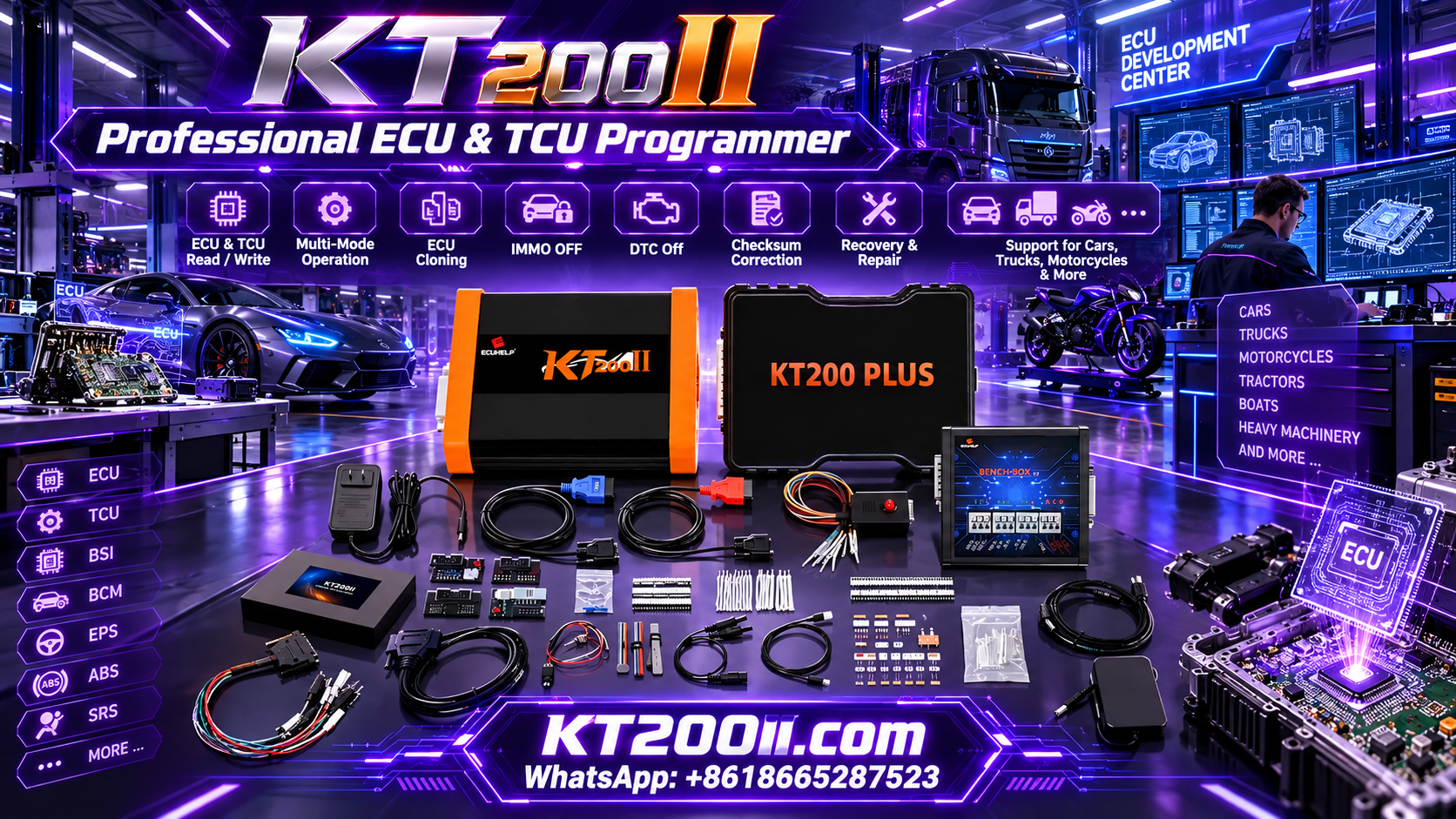
KT200 Plus ECU Identification Guide: What to Check Before Programming
Correct ECU identification is one of the most important steps before starting an ECU or TCU programming job. A vehicle model alone is usually not enough to determine the correct programming procedure. The same vehicle can use different control units, hardware versions, software versions or processors.
KT200 Plus is designed for professional ECU and TCU programming applications. Before selecting a protocol or beginning a Read or Write operation, technicians should collect as much information as possible about the exact controller.
This guide explains what information should be checked and recorded before using KT200 Plus for ECU programming, cloning, backup or repair work.
Why ECU Identification Matters
An ECU contains multiple identifiers that help determine the correct programming protocol. Selecting a protocol based only on the vehicle brand or model can result in an incorrect connection method or unsupported operation.
Accurate identification helps technicians:
- Select the correct ECU protocol
- Choose the appropriate programming mode
- Confirm hardware compatibility
- Identify the correct processor
- Determine available memory operations
- Prepare the correct wiring
- Protect the original ECU data
- Reduce unnecessary programming attempts
1. Record the Vehicle Information
Start with the vehicle rather than immediately connecting the ECU programmer.
Record the following information:
- Vehicle manufacturer
- Model
- Production year
- Engine type
- Engine code when available
- Transmission type
- Market or region
- VIN when appropriate for the workshop record
This information provides the basic background for identifying the control unit, but it should not be treated as the final protocol selection criteria.
2. Photograph the ECU Label
A clear photograph of the ECU label is one of the most useful records in an ECU programming job.
Take a high-resolution photograph showing all available identification information.
The photograph should clearly show:
- ECU manufacturer
- Part number
- Hardware number
- Software number
- Serial number when relevant
- Production information
- Other identification codes
Avoid taking a photograph that cuts off the beginning or end of a part number.
3. Identify the ECU Manufacturer
The ECU manufacturer is another important identifier.
Common ECU manufacturers encountered in professional programming work include Bosch, Continental, Delphi, Denso, Marelli and other automotive electronics suppliers.
The manufacturer name should be recorded exactly as shown on the ECU.
Do not replace the manufacturer's identification with a general description such as "diesel ECU" or "engine computer."
4. Record the ECU Part Number
The ECU part number is often one of the most important identifiers when searching for a programming protocol.
Record the complete number exactly as printed.
For example, do not record only the first section of a long number if additional suffixes or revision codes are present.
A complete part number can help distinguish between controllers that look similar but use different hardware or software configurations.
5. Record Hardware Information
Hardware information can be just as important as the ECU part number.
Different hardware versions can exist within the same ECU family.
Record:
- HW number
- Hardware revision
- PCB identification when available
- ECU generation
When the ECU has been opened for a supported Bench, Boot, JTAG or other direct-access procedure, photograph the PCB identification before continuing.
6. Record Software Information
Software identification can help determine whether the ECU belongs to the expected application.
Depending on the ECU, software information may be available through the ECU label, identification screen or programming software.
Record:
- SW number
- Software version
- Calibration identification when available
- Application identification
Do not assume that two ECUs with the same hardware number necessarily contain identical software.
7. Identify the Processor
The processor or microcontroller can provide another important clue when selecting a programming protocol.
Depending on the ECU family, the controller may use a specific MCU or processor architecture.
When the processor can be identified, record its exact designation.
For direct ECU programming, processor information can be particularly useful when several ECU families have similar external housings or connectors.
8. Check the ECU Connector
Inspect the ECU connector before making any electrical connection.
Check:
- Number of connectors
- Connector shape
- Connector labels
- Pin numbering
- Connector orientation
- Signs of previous repair
- Damaged or bent terminals
A similar connector does not prove that the pinout is identical.
Always use the connection diagram for the exact programming protocol selected in KT200 Plus.
9. Determine the Required Programming Mode
After identifying the ECU, determine which programming method is supported for the required operation.
| Programming Mode | Typical Setup |
|---|---|
| OBD | ECU remains installed in the vehicle |
| Bench | ECU is programmed through direct external connections |
| Boot | Supported ECU Boot-level access |
| JTAG | Supported processor debugging interface |
The available mode depends on the exact ECU and the selected KT200 Plus protocol.
10. Determine the Required Operation
Identifying the ECU is only part of the preparation. You should also determine what you actually need to do.
Possible operations can include:
- ECU Identification
- Read
- Write
- Backup
- Cloning
- Recovery
- TCU programming
An ECU may support one operation through one programming method and require another method for a different operation.
11. Check Whether a Physical Read Is Available
Some programming protocols can provide different ways to obtain ECU data.
When KT200 Plus provides multiple Read options, technicians should understand what each option actually produces before selecting a file for programming.
Do not assume that two files obtained through different Read functions are automatically interchangeable.
12. Create the Original ECU Backup
When the selected protocol supports reading the required memory area, create an original backup before performing a Write operation.
The original backup should be stored separately from modified or working files.
A simple naming structure can include:
Vehicle_ECU_HW_SW_MODE_MEMORY_ORIGINAL.bin
For example:
Vehicle_ECU123_HW456_SW789_BENCH_FLASH_ORIGINAL.bin
The exact filename is not important. Consistency is what matters.
13. Check the Original File
Do not immediately use a newly read file as a programming target without checking it.
Verify:
- Read operation completed successfully
- File was saved correctly
- File size is reasonable
- Memory area is correctly identified
- ECU identification matches
- File belongs to the correct vehicle
If the file appears incomplete or inconsistent, investigate the problem before writing it back to the ECU.
14. Identify a Replacement ECU Correctly
When the purpose of the job is ECU cloning, the replacement ECU must also be identified carefully.
Record the same information for the replacement controller:
- Manufacturer
- Part number
- Hardware number
- Software number
- Processor
- Connector configuration
Compare the original ECU and replacement ECU before programming.
15. Do Not Select a Donor ECU by Appearance Alone
Two ECUs can have almost identical housings and connectors while using different hardware or software configurations.
Physical appearance should therefore be used only as an initial reference.
Before cloning, compare the technical identification information and confirm that the replacement controller is appropriate for the intended application.
16. Verify the Programming Protocol
Once the ECU information has been collected, search for the matching KT200 Plus protocol.
The search should consider as many identifiers as possible.
| Identifier | Importance |
|---|---|
| Vehicle | Initial application reference |
| ECU Manufacturer | Helps narrow the ECU family |
| ECU Type | Identifies the controller family |
| Part Number | Helps distinguish hardware applications |
| Hardware Number | Confirms hardware generation |
| Software Number | Helps identify software configuration |
| Processor | Useful for protocol identification |
| Programming Mode | Determines physical connection method |
17. Verify the Wiring Before Power
After selecting a protocol, review the corresponding wiring diagram before connecting power.
Check:
- Power
- Ground
- Ignition
- CAN-H
- CAN-L
- K-Line when required
- Boot connection when required
- Other protocol-specific connections
The exact wiring depends on the ECU. Never assume that the same pinout applies to another ECU simply because the ECU manufacturer is the same.
18. Verify Power Requirements
Before programming, confirm that the ECU receives the appropriate power supply for the selected procedure.
A stable regulated power supply is recommended for Bench and other direct ECU programming operations.
Before applying power:
- Confirm voltage
- Confirm polarity
- Confirm ground
- Check wiring
- Check for accidental shorts
- Make sure the ECU is securely positioned
19. Use a Multimeter for Final Verification
A digital multimeter can help verify the electrical setup before programming.
Use it to check:
- Continuity
- Ground
- Power polarity
- Supply voltage
- Potential short circuits
A multimeter does not replace the official wiring diagram. It is an additional verification tool.
20. Photograph the Complete Programming Setup
For professional workshops, photographing the setup can make future troubleshooting easier.
Take photographs showing:
- ECU label
- ECU connector
- Programming cables
- Power connections
- Communication connections
- Bench or Boot connection points when applicable
- KT200 Plus software identification screen
These photographs can become part of the programming job record.
21. Keep Original and Replacement ECUs Separate
When performing ECU cloning, clearly mark the original and replacement controllers.
ORIGINAL ECU

Vehicle:
ECU:
HW:
SW:
Processor:

REPLACEMENT ECU

Vehicle:
ECU:
HW:
SW:
Processor:
This simple procedure can prevent accidental confusion when several ECUs are being serviced at the same time.
22. Do Not Start Writing Because the Protocol Is Found
Finding a protocol in the software does not automatically mean that the programming job is ready.
Before Write, confirm:
- Exact ECU identified
- Correct protocol selected
- Correct programming mode selected
- Correct wiring connected
- Stable power available
- Original backup completed when supported
- Target file verified
- Memory operation confirmed
Only after these items have been checked should the programming operation begin.
23. ECU Identification for TCU Programming
The same identification principles apply to TCU programming.
For a transmission control unit, record:
- Vehicle model
- Transmission type
- TCU manufacturer
- TCU part number
- Hardware number
- Software number
- Processor
- Connector information
The TCU may be integrated into a mechatronic assembly or installed as a separate control module, depending on the vehicle design.
Always identify the actual controller before selecting the KT200 Plus protocol.
24. ECU Identification for Cloning Jobs
A cloning job requires two identification records rather than one.
| Information | Original ECU | Replacement ECU |
|---|---|---|
| Manufacturer | Record | Record |
| Part Number | Record | Record |
| Hardware | Record | Record |
| Software | Record | Record |
| Processor | Record | Record |
| Protocol | Record | Record |
The comparison should be completed before transferring data.
25. Build a Standard ECU Identification Form
A workshop can create a standard form for every ECU programming job.
ECU PROGRAMMING RECORD

Vehicle Manufacturer:
Vehicle Model:
Year:
Engine:
VIN:

ECU Manufacturer:
ECU Type:
Part Number:
Hardware Number:
Software Number:
Processor:

KT200 Plus Protocol:
Programming Mode:
Required Operation:

Original Backup:
Target File:

Power Supply:
Wiring Verified:
Final Result:
Post-Programming Diagnostics:
Using the same form for every job makes ECU programming records easier to review.
26. What Information Should Be Sent to Technical Support?
If support is required, provide complete information rather than only the vehicle model.
Useful information includes:
- Vehicle model and year
- Engine type
- ECU label photograph
- Part number
- Hardware number
- Software number
- Processor information
- Selected KT200 Plus protocol
- Programming mode
- Operation being attempted
- Error message
- Connection photographs when relevant
Complete information makes it easier to understand the actual ECU application and the stage at which a problem occurred.
27. Common ECU Identification Mistakes
Using Only the Vehicle Model
The same vehicle model can use different ECUs. Always identify the actual controller.
Ignoring Hardware Numbers
Hardware revisions can affect programming compatibility.
Ignoring the Processor
Processor information can help distinguish ECU families and programming protocols.
Using an Incomplete Part Number
Missing suffixes or revision information can make two different ECUs appear identical.
Choosing a Protocol From a Similar ECU
A similar ECU is not necessarily the same ECU. Confirm the exact identification before programming.
Writing Before Making a Backup
When the protocol supports the required Read operation, preserve the original data before making changes.
Using the Wrong Wiring Diagram
Always use the wiring information associated with the exact selected protocol.
28. KT200 Plus ECU Identification Checklist
- Vehicle manufacturer confirmed
- Vehicle model confirmed
- Production year recorded
- Engine information recorded
- ECU label photographed
- ECU manufacturer recorded
- Part number recorded completely
- Hardware number recorded
- Software number recorded
- Processor identified when available
- Connector configuration checked
- KT200 Plus protocol confirmed
- Programming mode confirmed
- Wiring diagram reviewed
- Power requirements confirmed
- Original backup completed when supported
- Target file verified before Write
- Final programming result documented
KT200 Plus Resources
The KT200 Plus official website provides information about the KT200 Plus ECU and TCU programmer and its supported programming applications.
Before programming, technicians can also review the KT200 Plus Supported ECU List to check vehicle, ECU and protocol compatibility.
For programming method information, visit the KT200 Plus OBD, Bench and Boot Guide.
Additional technical information is available in the KT200 Plus Technical Blog.
Frequently Asked Questions
Is the vehicle model enough to identify an ECU?
No. The vehicle model is only a starting point. The actual ECU part number, hardware, software and processor should be checked whenever possible.
What is the most important ECU identification number?
There is no single identifier that works for every ECU. A combination of ECU type, part number, hardware, software and processor information provides a much more reliable identification.
Should I photograph the ECU label?
Yes. A clear photograph preserves the original identification information and can be useful when checking a protocol or requesting technical assistance.
Should I identify the processor before programming?
When processor information is available and relevant to the ECU family, it is useful to record it before selecting a protocol.
Can two ECUs with the same connector use different protocols?
Yes. Connector appearance alone does not establish programming compatibility.
Should I make an ECU backup before Write?
When the selected KT200 Plus protocol supports the required Read operation, create and protect an original backup before writing.
What should I do if I cannot identify the ECU?
Do not guess the protocol. Collect the ECU label, part number, hardware and software information, processor details when available, and other identification information before selecting a programming procedure.
Conclusion
Accurate ECU identification is the foundation of a professional KT200 Plus programming workflow. Before connecting power or starting a Write operation, technicians should identify the vehicle, ECU manufacturer, part number, hardware, software and processor whenever possible.
The next step is to confirm the correct KT200 Plus protocol, programming mode, wiring and required memory operation. When supported, an original ECU backup should also be created before programming.
Taking a few minutes to identify and document the ECU correctly can prevent many avoidable programming problems and provides a much more reliable workflow for ECU reading, writing, cloning and repair.




