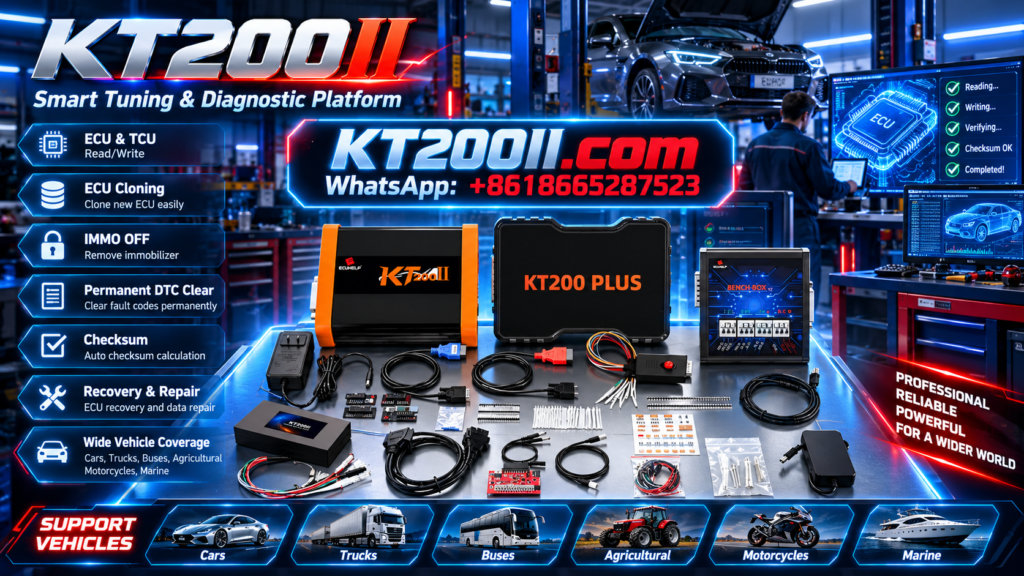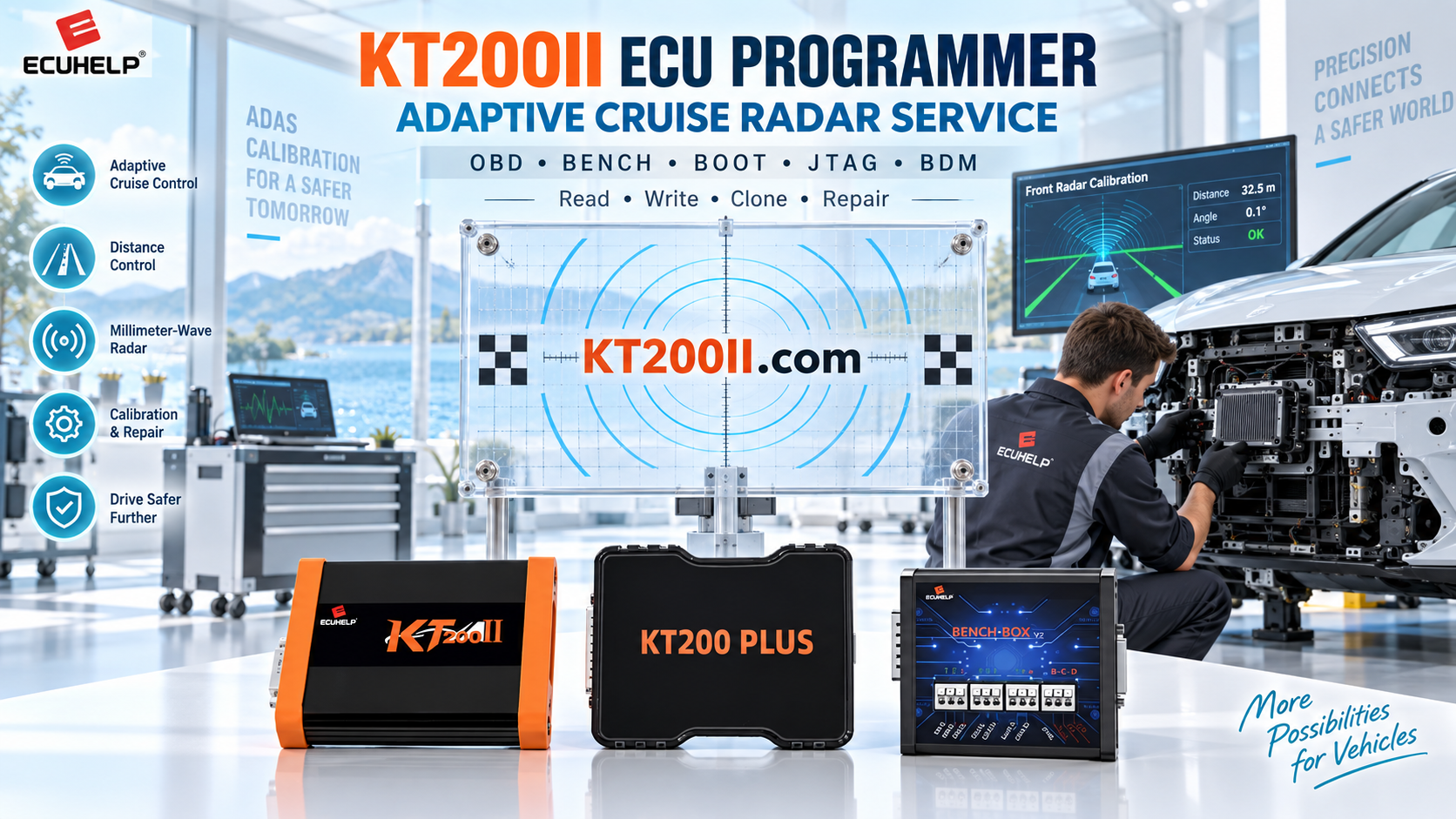
KT200PLUS ECU Programmer Software Update Guide: Keep Your Tool Ready for New Applications
Modern vehicle electronic systems continue to develop with new ECU architectures, processors and communication protocols. For professional technicians, keeping ECU programming equipment updated is an important part of maintaining efficient repair capability.
The KT200PLUS ECU Programmer provides professional ECU and TCU programming solutions for automotive workshops, supporting reading, writing and other ECU service operations according to available applications.
This guide explains why KT200PLUS software updates matter, how software improves ECU programming workflow and what technicians should check before starting a programming job.
Why ECU Programmer Software Updates Are Important
An ECU programmer depends on software databases and programming protocols to communicate with different vehicle control units. As vehicle technology changes, updated software helps technicians maintain compatibility with new applications.
| Software Update Benefit | Value for Technicians |
|---|---|
| New ECU Applications | Access more supported vehicle and ECU solutions. |
| Protocol Improvements | Improve communication stability with supported controllers. |
| Database Expansion | Increase workshop repair capability. |
| Function Optimization | Improve daily programming efficiency. |
KT200PLUS Software Supports Professional ECU Workflow
A complete ECU programming process requires more than hardware connection. Technicians need accurate software information to identify ECU type and select the correct operation method.
A typical professional workflow includes:
- Identify vehicle and ECU information
- Check supported programming method
- Select correct protocol
- Read and backup original data
- Perform programming operation
- Verify final result
Before Using KT200PLUS: Check ECU Compatibility
Different vehicles may use different ECU versions even under the same model name. Before programming, technicians should confirm ECU details carefully.
| Information | Why It Matters |
|---|---|
| ECU Manufacturer | Determines communication protocol and programming method. |
| Hardware Number | Helps identify compatible ECU version. |
| Software Version | Ensures correct programming application. |
| Operation Mode | Determines OBD, Bench or Boot connection. |
KT200PLUS Programming Modes
Different ECU situations require different connection methods. KT200PLUS supports professional programming solutions based on supported applications.
| Mode | Description |
|---|---|
| OBD Mode | Programming through vehicle diagnostic connector when supported. |
| Bench Mode | Direct ECU connection for workshop programming. |
| Boot Mode | Advanced access for specific ECU controllers. |
Professional Workshop Tips for KT200PLUS Users
- Always save original ECU data before writing.
- Use stable power supply during programming.
- Confirm ECU compatibility before operation.
- Use official software resources.
- Keep programming records for customer vehicles.
KT200PLUS Software and Support Resources
Professional technicians should use official software resources to maintain reliable ECU programming performance.
Visit the official KT200PLUS software page:
For vehicle and ECU compatibility information:
KT200PLUS for Professional ECU Repair Shops
KT200PLUS is designed for automotive professionals who need reliable ECU programming capability. It is suitable for:
- ECU repair workshops
- Automotive tuning specialists
- Vehicle electronic service centers
- Professional diagnostic technicians
KT200PLUS Official Purchase Information
Choosing an official source helps technicians receive genuine equipment, correct software access and professional technical support.
Purchase KT200PLUS from ECUHELP official store:
KT200PLUS and KT200II Professional ECU Solutions
ECUHELP provides different ECU programming solutions for professional automotive users.
For users looking for another advanced ECU programming platform:
Conclusion
Software updates are an important part of professional ECU programming. By maintaining updated software, checking compatibility and following correct programming procedures, technicians can improve workshop efficiency and service capability.
Learn more technical information: