KT200PLUS ECU Programmer vs Traditional ECU Tools: Why Workshops Choose Multi-Mode Programming
The automotive industry is moving toward increasingly complex electronic control systems. Modern ECU and TCU modules require professional programming solutions that can handle different communication protocols, programming methods and repair scenarios.
Traditional ECU tools often focus on limited operations, while professional workshops require more flexible solutions for ECU reading, writing, cloning and replacement.
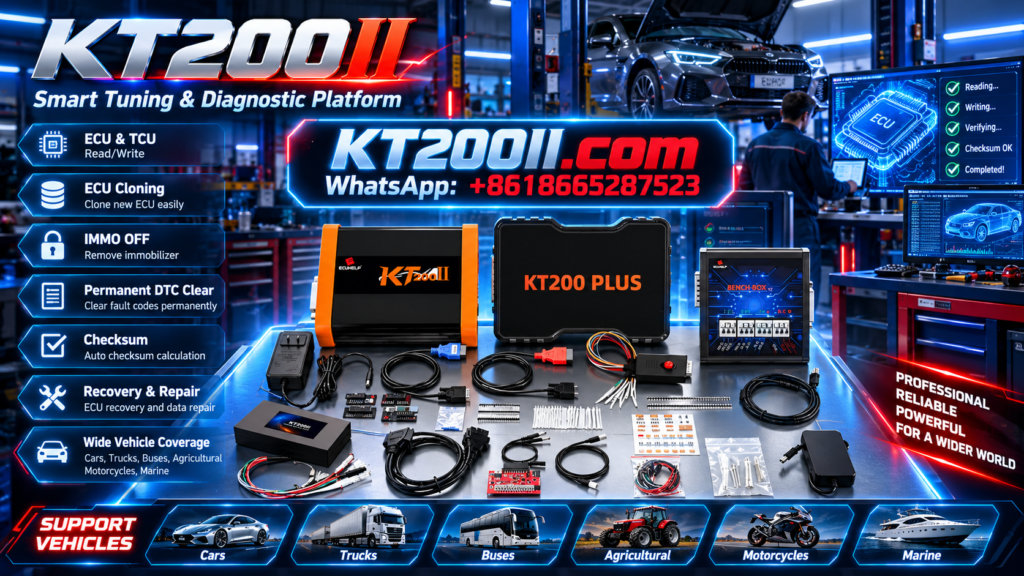
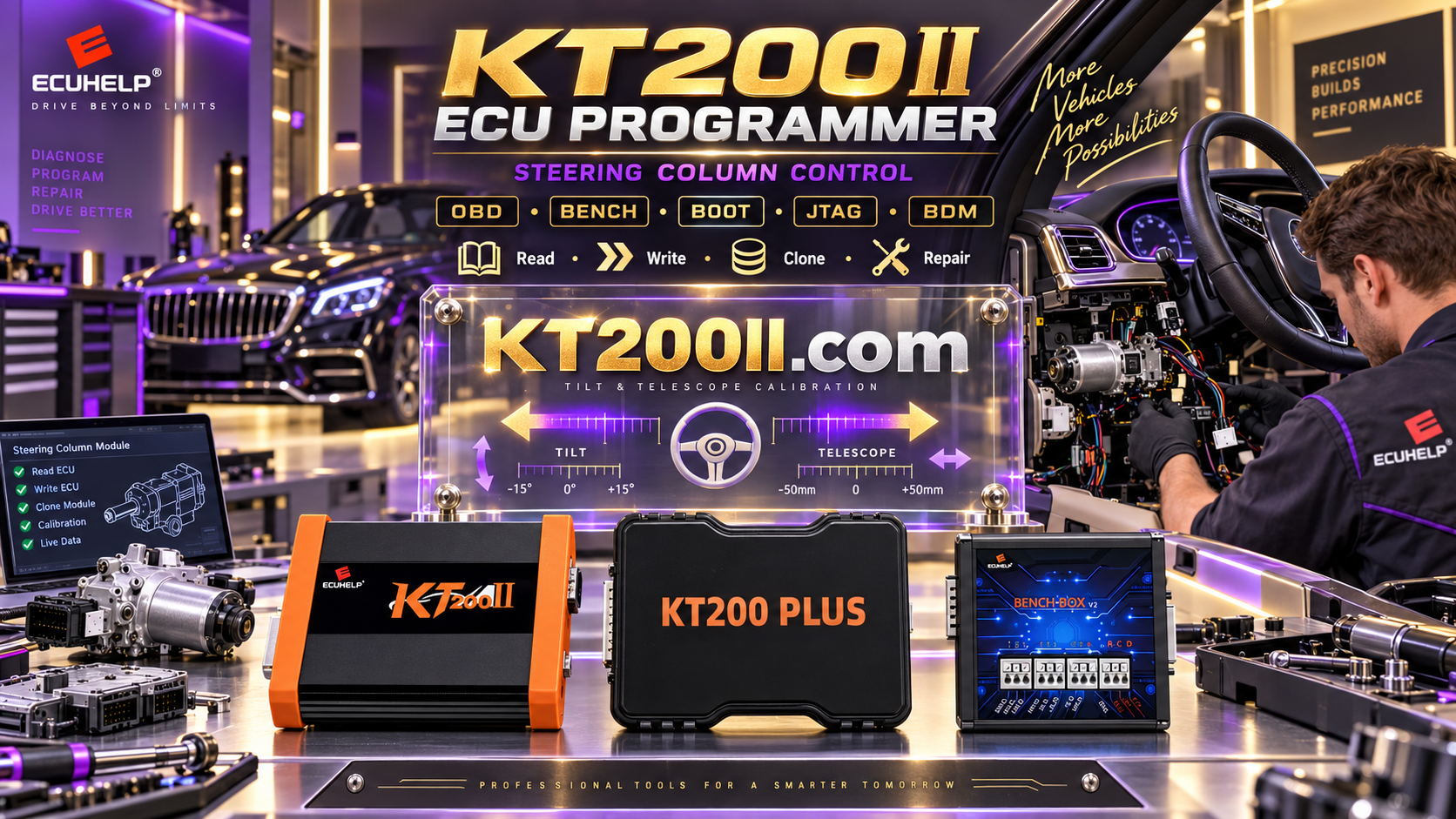
The KT200PLUS ECU Programmer is designed for professional ECU and TCU programming applications, providing multiple operation methods including OBD, Bench and Boot according to supported vehicle systems.
Why Traditional ECU Tools Are Limited
Many older ECU programming solutions were developed for specific vehicle groups or limited communication methods. As vehicle electronics become more advanced, technicians need equipment that can adapt to different ECU architectures.
| Traditional ECU Tools | Professional KT200PLUS Solution |
|---|---|
| Limited ECU coverage | Wide ECU and TCU application support |
| Single communication method | Multiple programming modes |
| Limited upgrade capability | Continuous software support |
| Separate tools for different tasks | Integrated ECU programming workflow |
KT200PLUS Provides Multiple Programming Methods
Different ECU systems require different connection methods. A professional ECU programmer should allow technicians to select the correct method based on ECU type and application.
| Mode | Application |
|---|---|
| OBD Mode | Programming through vehicle diagnostic connector when supported. |
| Bench Mode | Direct ECU connection for workshop repair and programming. |
| Boot Mode | Advanced ECU access for specific supported controllers. |
Learn more about KT200PLUS programming capabilities:
KT200PLUS Professional Features
KT200PLUS ECU Programming Workflow
Professional ECU programming is not only about writing data. A reliable workflow helps technicians reduce mistakes and improve repair efficiency.
| Step | Professional Operation |
|---|---|
| 1 | Identify vehicle information and ECU/TCU type. |
| 2 | Check supported protocol and connection method. |
| 3 | Backup original ECU data before programming. |
| 4 | Perform reading, writing or cloning operation. |
| 5 | Verify programming result. |
Why Compatibility Checking Is Important
A professional ECU programmer should always be combined with a reliable supported database. The same vehicle model may use different ECU versions depending on year, engine type and market.
Before programming, technicians should confirm:
- Vehicle brand and model
- ECU or TCU manufacturer
- Hardware number
- Software version
- Required programming mode
Check KT200PLUS supported applications:
KT200PLUS for ECU Repair and Tuning Workshops
KT200PLUS is designed for professional users including:
- ECU repair specialists
- Automotive tuning workshops
- Vehicle electronics technicians
- Professional diagnostic centers
- ECU replacement service providers
Typical applications include:
- ECU backup
- ECU replacement programming
- ECU cloning
- TCU programming
- Professional electronic repair
KT200PLUS Software and Update Support
Software support is an important factor when choosing ECU programming equipment. A professional tool requires continuous database improvement and stable software resources.
Visit the official software page:
KT200PLUS Compared with Single-Purpose ECU Tools
| Requirement | Single-Purpose Tool | KT200PLUS |
|---|---|---|
| Daily ECU repair | Limited applications | Professional workflow support |
| Different vehicle brands | May require multiple devices | One integrated solution |
| Future expansion | Limited flexibility | Software-based improvement |
Official KT200PLUS ECU Programmer
KT200PLUS is developed by ECUHELP for professional automotive ECU and TCU programming applications.
Choosing an official source provides genuine hardware, software access and technical support.
Purchase KT200PLUS from the official store:
KT200PLUS and KT200II Product Relationship
ECUHELP provides different ECU programming solutions according to professional user requirements.
For users looking for another advanced ECU programming platform, learn more about:
Conclusion
Professional ECU repair requires more than basic reading and writing functions. A flexible ECU programmer with multiple communication methods, compatibility support and reliable software updates helps workshops improve efficiency.
With OBD, Bench and Boot programming capability, KT200PLUS provides a practical solution for modern ECU and TCU programming needs.
More technical articles: