
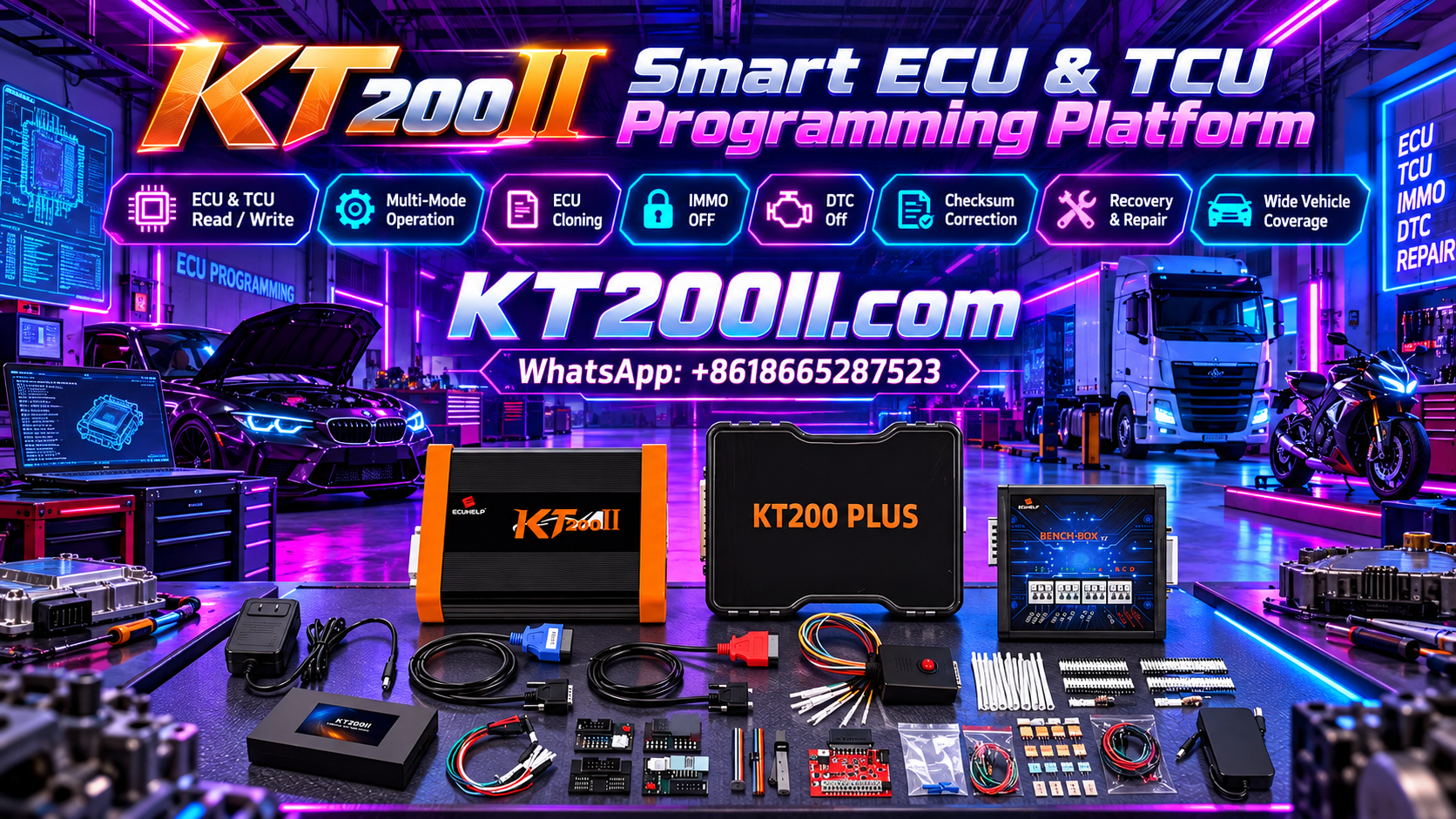
KT200 Plus ECU and TCU Programming: A Practical Workshop Workflow
Modern automotive control units require a structured programming process. Whether working with an engine ECU or transmission TCU, technicians need to identify the controller correctly, select the appropriate protocol, establish a stable connection and verify the programming result.
KT200 Plus is designed for professional ECU and TCU programming applications. Depending on the exact controller and supported protocol, different Read, Write, backup and programming operations may be available.
This guide presents a practical workflow for technicians using KT200 Plus when working with supported ECU and TCU applications.
Why a Structured Programming Workflow Matters
ECU and TCU programming involves several steps, and an error at an early stage can affect the entire operation.
A professional workflow helps technicians:
- Identify the correct controller
- Select the correct protocol
- Choose the appropriate programming mode
- Preserve original data
- Verify programming files
- Maintain stable power and communication
- Check the controller after programming
- Keep complete job records
The exact functions available depend on the ECU or TCU and the corresponding KT200 Plus protocol.
ECU and TCU Programming Are Not Always the Same
An ECU generally controls engine-related systems, while a TCU manages transmission-related functions. Although both controllers can use similar programming concepts, their communication methods, memory structures and programming procedures can be different.
| Controller | Typical Function | Programming Considerations |
|---|---|---|
| ECU | Engine management | Flash, EEPROM and other supported memory operations |
| TCU | Transmission control | Transmission software, calibration and supported memory operations |
Never select a protocol simply because the vehicle model is the same. Always identify the actual controller.
Step 1: Identify the Vehicle
Start by recording the basic vehicle information.
- Vehicle manufacturer
- Model
- Production year
- Engine
- Transmission
- Vehicle identification information when required
This information provides the starting point for identifying the correct ECU or TCU.
Step 2: Identify the ECU or TCU
Locate the controller and record the information shown on its label.
Important information may include:
- ECU or TCU manufacturer
- Part number
- Hardware number
- Software number
- Processor or MCU
- Transmission type for TCU applications
Take a clear photograph of the label and keep it with the programming job.
Step 3: Confirm KT200 Plus Support
Before connecting the controller, check the corresponding KT200 Plus support information.
Confirm:
- Controller family
- Processor
- Supported programming mode
- Read function
- Write function
- Memory operations
- Connection requirements
Support can vary between different hardware and software versions of the same controller family.
Step 4: Select the Correct Programming Mode
Depending on the supported protocol, KT200 Plus may provide different connection methods.
- OBD
- Bench
- Boot
- Other dedicated programming methods
OBD is generally used when the controller supports programming through the vehicle diagnostic connector.
Bench programming connects directly to a controller outside the vehicle.
Boot programming can provide direct access to supported processor functions when the exact protocol requires it.
The correct mode should always be determined by the exact KT200 Plus protocol.
Step 5: Check the Wiring
Correct wiring is essential for Bench and Boot programming.
Depending on the controller, connections may include:
- Power
- Ground
- Ignition
- CAN-H
- CAN-L
- K-Line
- Boot connection
- Other protocol-specific pins
Do not use a pinout from a similar controller unless it has been confirmed for the exact ECU or TCU.
Step 6: Stabilize the Power Supply
Stable power is important throughout ECU and TCU programming.
Before starting, check:
- Correct voltage
- Correct polarity
- Stable ground
- Secure connections
- Stable communication
During a Write operation, avoid disconnecting power or communication cables.
Step 7: Perform ECU or TCU Identification
When the selected protocol supports identification, perform ECU ID or TCU ID before reading or writing data.
Compare the returned information with the controller label.
If the displayed information does not match the expected controller, stop and verify the protocol and connection before continuing.
Step 8: Read the Original Data
When Read is supported, preserve the original controller data before programming.
Depending on the controller, the available operation may include:
- Flash Read
- EEPROM Read
- Microcontroller Read
- Full Backup
- Other supported memory operations
Not every ECU or TCU provides every memory operation. The exact protocol determines what can be read.
Step 9: Protect the Original Files
After reading the controller, save the original files in a dedicated backup folder.
KT200_PLUS_JOB
|
|-- ECU_OR_TCU_INFORMATION
|-- ORIGINAL_BACKUP
|-- WORKING_FILES
|-- TARGET_FILES
|-- FINAL_FILES
|-- DIAGNOSTIC_RESULTS
Never modify the only copy of the original backup.
Step 10: Verify the Programming File
Before performing Write, verify that the target file belongs to the correct controller.
Compare:
- Controller family
- Part number
- Hardware number
- Software number
- Processor
- Memory type
- File size
- File format
- Vehicle application
A matching filename or file size does not prove compatibility.
Step 11: Checksum Considerations
Some ECU and TCU programming operations require checksum processing.
Checksum verification is only one part of file validation. A file can have a valid checksum while still being unsuitable for a particular controller.
Always follow the requirements of the exact KT200 Plus protocol and verify the target file before programming.
Step 12: Perform the Write Operation
Once the controller, protocol, connection and target file have been verified, start the supported Write operation.
During programming:
- Do not disconnect the controller
- Do not disconnect USB communication
- Do not remove the power supply
- Do not move Bench wiring
- Do not interrupt the programming software
- Do not allow the computer to enter sleep mode
Wait until KT200 Plus reports that the operation has completed.
Step 13: Verify the Controller After Programming
Programming completion should be followed by verification.
When supported, perform identification again and compare the software information with the expected result.
For vehicle-installed controllers, additional checks can include:
- Diagnostic communication
- Fault-code status
- Live data
- System communication
- Required vehicle functions
For transmission controllers, additional vehicle-side checks should be performed according to the manufacturer's service procedure.
ECU Programming Workflow
Vehicle Identification
        ↓
ECU Identification
        ↓
Check KT200 Plus Support
        ↓
Select Protocol
        ↓
Select Programming Mode
        ↓
Check Wiring
        ↓
Verify Power
        ↓
Read ECU ID
        ↓
Read Original Data
        ↓
Protect Backup
        ↓
Verify Target File
        ↓
Write ECU
        ↓
Verify ECU
        ↓
Perform Diagnostics
TCU Programming Workflow
Identify Vehicle
        ↓
Identify Transmission
        ↓
Identify TCU
        ↓
Check KT200 Plus Protocol
        ↓
Select OBD / Bench / Boot
        ↓
Check Connection
        ↓
Verify Power
        ↓
Read TCU ID
        ↓
Backup Supported Data
        ↓
Verify Target File
        ↓
Write Supported Data
        ↓
Read TCU ID Again
        ↓
Perform Diagnostic Checks
ECU and TCU File Organization
A consistent file naming system is useful when a workshop handles many programming jobs.
A practical filename can contain the vehicle, controller, hardware, software, programming mode, memory type and file status.
VEHICLE_ECU_HW_SW_MODE_MEMORY_STATUS.bin
For example:
BMW_ECU_HW01_SW1234_BENCH_FLASH_ORIGINAL.bin
BMW_ECU_HW01_SW1234_BENCH_EEPROM_ORIGINAL.bin
BMW_ECU_HW01_SW1234_BENCH_FLASH_WORKING_V1.bin
BMW_ECU_HW01_SW1234_BENCH_FLASH_FINAL_V2.bin
This structure makes it easier to distinguish original, working and final files.
Common KT200 Plus Programming Mistakes
Choosing the Protocol by Vehicle Model Only
The same vehicle model can use multiple controllers. Always identify the actual ECU or TCU.
Skipping the Original Backup
When Read is supported, preserve the original data before programming whenever possible.
Using an Unverified File
Do not program a file simply because it has the same ECU family name or file size.
Using the Wrong Bench Pinout
Similar connectors do not necessarily have the same pin configuration.
Ignoring Stable Power
Power interruptions during programming can cause communication or programming failures.
Interrupting a Write Operation
Once programming begins, allow the operation to finish unless the documented procedure specifically requires another action.
ECU Programming Checklist
- Vehicle information recorded
- ECU information recorded
- Part number checked
- Hardware and software information checked
- KT200 Plus protocol confirmed
- Programming mode confirmed
- Wiring checked
- Power supply verified
- Original data backed up when supported
- Target file verified
- Write completed successfully
- ECU identification verified
- Diagnostic checks completed
- Programming files archived
TCU Programming Checklist
- Vehicle and transmission identified
- TCU part number recorded
- Hardware and software information recorded
- KT200 Plus TCU protocol confirmed
- Correct programming mode selected
- Wiring checked
- Stable power confirmed
- Original data backed up when supported
- Target file verified
- Write operation completed
- TCU identification verified
- Diagnostic communication checked
- Final files archived
Professional ECU and TCU Programming With KT200 Plus
KT200 Plus can be used for supported ECU and TCU programming applications according to the available protocols and functions.
The most important part of any programming job is not simply starting a Read or Write operation. Correct controller identification, protocol selection, connection preparation, original data protection and file verification all contribute to a controlled programming process.
Frequently Asked Questions
Can KT200 Plus program both ECU and TCU?
KT200 Plus supports ECU and TCU programming applications where the exact controller and protocol are supported. Available functions vary by ECU or TCU.
Should I read the ECU or TCU before writing?
When the selected protocol supports the required Read operation, preserving the original data before Write is recommended.
Can I use OBD for every ECU and TCU?
No. The available programming mode depends on the exact controller and protocol.
When is Bench programming useful?
Bench programming is useful for supported controllers that require direct ECU or TCU access outside the vehicle.
When is Boot programming required?
Some supported controllers require direct processor or Boot access for specific memory operations or programming procedures.
What should I check if KT200 Plus cannot identify the controller?
Check the selected protocol, controller identification, power supply, wiring, communication lines and required ignition or wake-up conditions before trying another operation.
Is the largest backup file always the best file for cloning?
No. The required memory areas depend on the exact controller and supported cloning procedure. File size alone should not determine the programming operation.
What should I do after ECU or TCU programming?
Perform identification again when supported, check communication and fault status, and complete the required vehicle-side diagnostic and functional checks.
Conclusion
A reliable ECU or TCU programming job requires a clear process from identification to final verification.
With KT200 Plus, technicians should first identify the exact controller, confirm the supported protocol, select the appropriate programming mode, verify wiring and power, preserve original data when supported, check the target file and then perform the programming operation.
Following a consistent workflow can make ECU and TCU programming more organized and reduce avoidable errors during professional workshop operations.




