
KT200 Plus Bosch MD1 & MG1 Programming Guide: Backup, Bench and Boot Workflow
Modern vehicles increasingly use advanced Bosch ECU platforms with stronger processors, improved security systems and more complex communication methods.
Bosch MD1 and MG1 ECU families are widely used in modern gasoline and diesel vehicles. Programming these control units requires correct identification, suitable communication methods and a professional workflow.
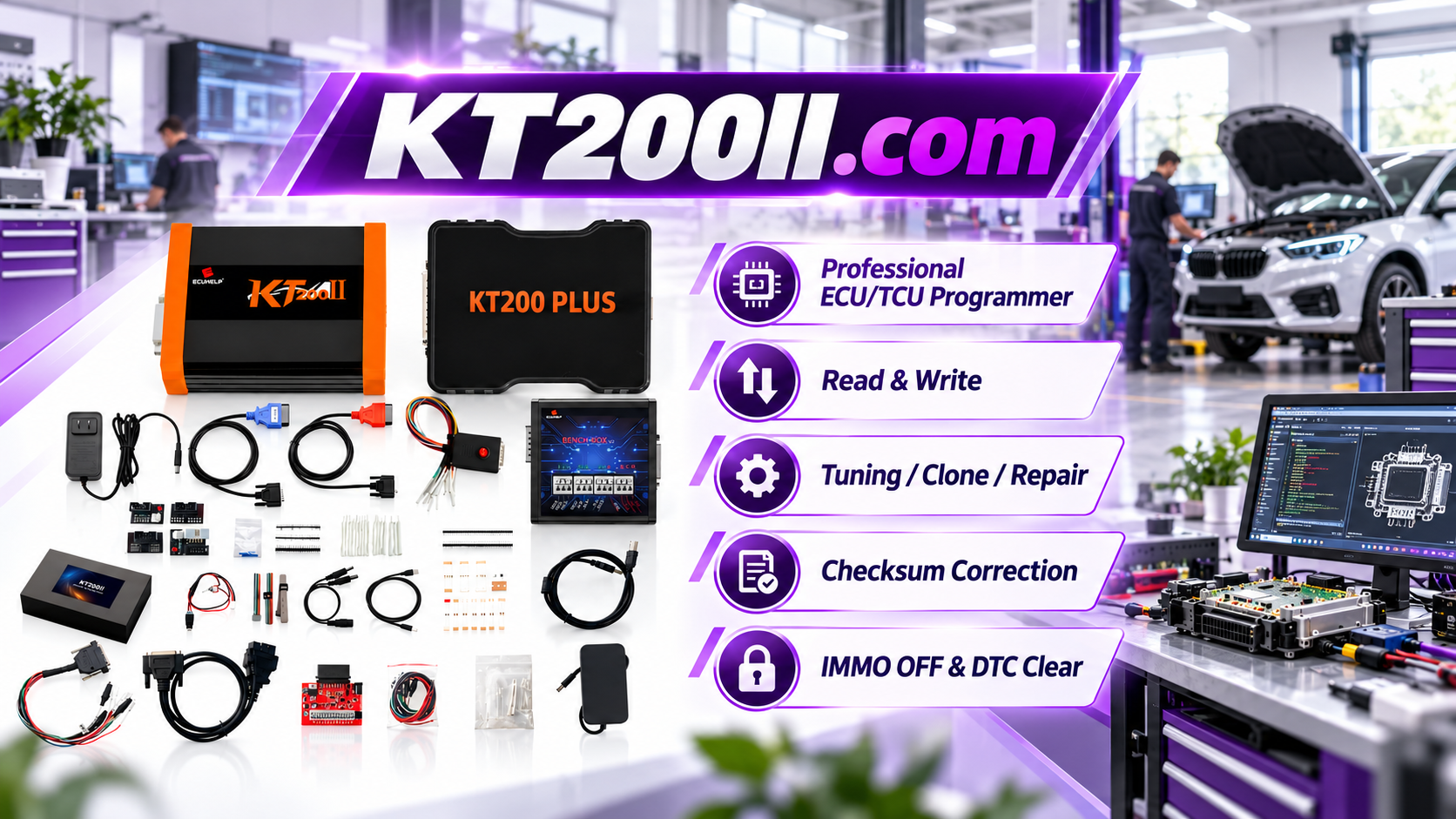
The KT200 Plus ECU Programmer provides professional ECU and TCU programming solutions for supported applications, including reading, writing, backup, cloning and advanced programming operations.
What Are Bosch MD1 and MG1 ECUs?
Bosch MD1 and MG1 are modern engine control unit families developed for newer vehicle platforms.
Compared with older ECU generations, these controllers typically include:
- Higher-performance processors
- Advanced security systems
- Complex software structures
- Multiple communication protocols
Because of these differences, technicians must confirm the exact ECU type before programming.
Why MD1 and MG1 Programming Requires Careful Preparation
A successful ECU programming operation depends on several factors:
- Correct ECU identification
- Compatible protocol selection
- Stable power supply
- Correct connection method
- Original data backup
Incorrect selection may result in communication failure, incomplete reading or unsuccessful writing.
KT200 Plus Bosch MD1 MG1 Programming Workflow
Step 1: Identify ECU Information
Before programming, technicians should collect complete ECU information.
- Vehicle brand
- Vehicle model
- Engine type
- ECU manufacturer
- ECU hardware number
- Software version
- Processor information
The ECU label and identification information are important references when selecting the correct protocol.
Step 2: Check Protocol Compatibility
Before connecting the ECU, confirm:
- Supported Bosch ECU family
- Available programming mode
- Required adapter
- Supported read/write functions
KT200 Plus provides a searchable ECU and TCU protocol database to help technicians verify compatibility before operation.:chatgpt-content-reference{index="2"}
Bosch MD1 MG1 Programming Modes
OBD Programming
Some supported Bosch ECUs can be accessed through the vehicle diagnostic connector.
Advantages:
- No ECU removal required
- Fast workshop operation
- Convenient vehicle-side communication
Bench Programming
Bench programming provides direct ECU communication outside the vehicle.
Bench mode is commonly used for:
- Original ECU backup
- ECU reading
- ECU writing
- Replacement ECU preparation
Boot Programming
Some Bosch MD1 and MG1 applications require Boot mode for deeper ECU access.
Boot programming may be used for advanced operations when standard communication methods are unavailable.
Original ECU Backup Before MD1 MG1 Programming
Creating an original backup is one of the most important steps before programming.
Original data helps technicians:
- Restore factory configuration
- Prepare ECU cloning
- Recover from programming problems
- Compare ECU files
Professional workshops should always protect available original ECU data before writing new information.
ECU File Verification Before Writing
Before writing a Bosch MD1 or MG1 ECU file, technicians should verify:
- Correct ECU family
- Hardware compatibility
- Software compatibility
- File source
- Checksum status
A similar file name or file size does not guarantee compatibility.
Common Bosch MD1 MG1 Programming Problems
ECU Cannot Communicate
Possible causes:
- Wrong protocol
- Incorrect wiring
- Power supply problem
- Unsupported ECU version
Reading Operation Failed
Possible causes:
- Incorrect connection method
- Communication interruption
- ECU security limitation
Writing Operation Failed
Possible causes:
- Incorrect file
- Unstable voltage
- Incorrect programming procedure
Best Practices for Bosch MD1 MG1 Programming
- Identify ECU before connection
- Check protocol support
- Create original backup
- Use stable power supply
- Select correct programming mode
- Verify final ECU communication
- Keep programming records
KT200 Plus for Professional ECU Workshops
Bosch MD1 and MG1 programming requires professional equipment and correct technical procedures.
KT200 Plus is designed for automotive electronics specialists, ECU repair workshops and tuning professionals who need reliable ECU and TCU programming workflows.
Typical applications include:
- ECU backup
- ECU replacement
- ECU cloning
- ECU repair
- Performance calibration workflow
Related KT200 Plus Technical Resources
Frequently Asked Questions
Can KT200 Plus program Bosch MD1 and MG1 ECUs?
KT200 Plus supports Bosch ECU programming operations on supported applications. Available functions depend on ECU type, protocol and programming method.
Should I backup MD1 or MG1 ECU before writing?
Yes. Original backup is an important protection step before programming.
Is Boot mode required for every MD1 or MG1 ECU?
No. The required method depends on the specific ECU application and supported protocol.
Conclusion
Bosch MD1 and MG1 ECU programming requires accurate identification, correct protocol selection, stable communication and professional backup procedures.
By following a structured workflow, technicians can perform ECU programming operations more safely and efficiently.
KT200 Plus provides professional ECU and TCU programming solutions for workshops and automotive electronics specialists worldwide.




